Privacy tool guides / Comparison
Temporary Email vs Email Alias: A Practical Decision Guide
Choose temporary email when the message and relationship can disappear together. Choose a forwarding alias when you want privacy plus future receipts, replies, security alerts, or account recovery. Use plus-addressing for sorting when you are comfortable revealing the underlying mailbox.
Temporary email and email aliases both keep a primary address out of a form, but they solve different time horizons. A temporary inbox is optimized for a short task and intentional expiry. A forwarding alias is designed to keep working until you disable it.
The differences at a glance
| Option | Where mail goes | How long it lasts | Best use |
|---|---|---|---|
| Temporary inbox | A separate short-lived web inbox | Minutes or another stated retention window | Low-risk one-off access and manual testing |
| Forwarding alias | Forwards to your real mailbox | Until you pause or delete it | Accounts, shopping, newsletters, and breach control |
| Plus address | Your normal mailbox | As long as the base mailbox exists | Filtering and identifying who received a tagged address |
| Permanent mailbox | The mailbox itself | Long term | Identity, work, finance, and important relationships |
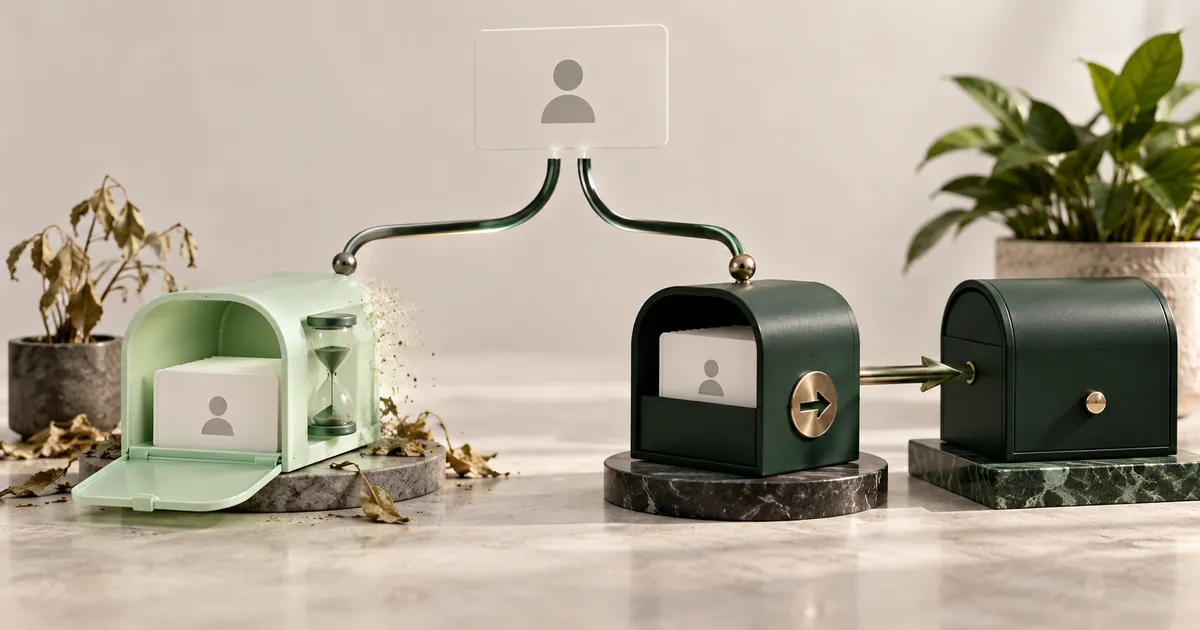
Choose by consequence, not convenience
Imagine the address stops working tomorrow. If the result is merely that you miss an unimportant promotion, temporary email may fit. If the result is a lost purchase, locked account, missed security alert, or inability to prove ownership, use an alias or permanent mailbox.
This consequence test is more reliable than guessing how many emails a site will send. A service that sends one code today may use the same address for recovery a year later.
Make the decision on two axes. First, consider duration: will the relationship end today or continue for months? Second, consider consequence: what is the worst realistic result if the address disappears? A short task with a high consequence still needs a durable address. A long-running newsletter with a low consequence may suit a revocable alias because you can stop one sender without exposing the primary mailbox.
Do not choose based only on how much spam you expect. The address is also an ownership channel. Receipts, dispute notices, security warnings, invitations, and changes to terms can arrive long after the first message.
Privacy and control are different
A forwarding alias gives the website a unique address and lets you cut off that sender later. The alias provider still knows the destination mailbox and processes forwarded mail. A temporary inbox avoids forwarding into the primary mailbox, but it is not a durable vault: access controls and retention vary by provider, and the inbox is intentionally short-lived.
A plus address such as name+shop@example.com is useful for rules and leak tracing, but the base address is visible. Many forms also remove the tag or reject plus signs, so it should not be treated as a strong masking method.
An alias adds another account to protect. Use a strong unique password and multifactor authentication for the alias provider because access to that dashboard can reveal forwarding destinations or allow aliases to be changed. Before using an alias for purchases or support conversations, confirm whether replies preserve the alias or reveal the destination address.
Revocation is useful but should be deliberate. Disable an alias only after checking for active orders, subscriptions, warranties, or account recovery. If a sender becomes noisy, filtering is often safer than immediately deleting the only route tied to an account.
Examples
- Download a public sample: temporary email may be sufficient if no future access is required.
- Buy a product: an alias preserves receipts, shipping updates, returns, and warranty contact.
- Join a paid community: use an alias or durable mailbox because access and billing can outlive the first session.
- Test a sign-up flow: temporary email works for a manual synthetic test; controlled capture works for automation.
- Subscribe to a newsletter: an alias lets you identify, filter, or stop that sender without losing the subscription unexpectedly.
A layered setup
You do not have to pick one tool for everything. Keep one protected permanent mailbox for identity-critical accounts, generate a unique alias for ordinary accounts and merchants, use plus tags for internal sorting where exposure is acceptable, and reserve temporary inboxes for genuinely disposable tasks.
The result is easier incident response. If one alias starts receiving unrelated mail, disable only that alias. If a temporary task ends, let its inbox expire. Your primary address remains less exposed in both cases.
Record durable aliases in the same password-manager entry as the account they serve. Use a clear label such as the merchant or project name, note whether replies are supported, and record the date you disabled an address. This prevents a later login failure from looking like an unknown account.
For example, a public software sample that needs one download link can use a temporary inbox. A software license, paid course, or order should use an alias because updates and proof of purchase matter later. The form may look identical, but the consequence is different.
Questions that change the choice
Is an email alias the same as a temporary email?
- No. An alias usually forwards to a mailbox and remains under your control. A temporary address usually has its own short-lived inbox and is intended to expire.
Which option is better for account recovery?
- A forwarding alias or permanent mailbox. It must remain available for future password resets and ownership checks.
Does plus-addressing hide my real email?
- Not well. The base mailbox remains visible before the plus sign, and a sender can remove the tag.
Can I reply from an alias?
- It depends on the alias provider and configuration. Confirm reply support before using an alias for a relationship that requires two-way mail.
Comparison reviewed 2026-11-02. Choose according to consequence and recovery needs, not convenience alone.