How to Check If a Website Sells Your Email Address
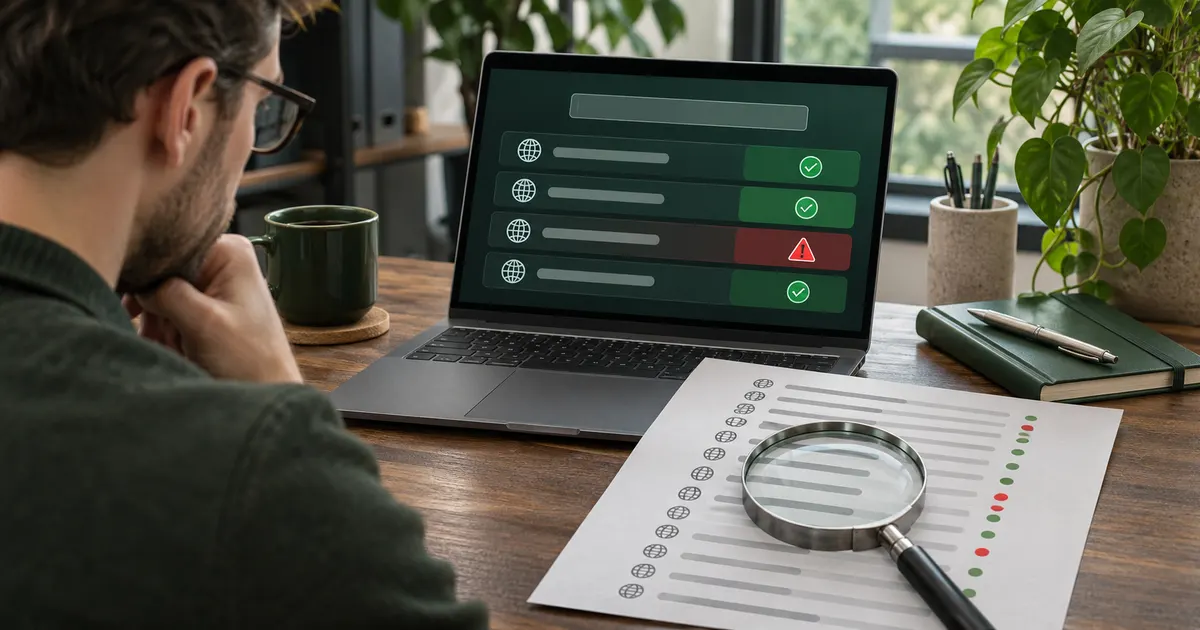
Learn a simple trick with throwaway inboxes that reveals exactly which website sold or leaked your address.
This library explains what temporary email does, when it is useful, and when a permanent address or alias is safer. Choose a guide by your task, read the limits first, and never use a disposable inbox for an account you need to recover.
Simple, no-nonsense guides on temporary email, beating spam, and protecting your privacy online. Grab a free disposable inbox any time, then dig into the guides below.
Looking for product steps? Use the picture-led TempMail.now walkthroughs. For structured decisions, recovery, safety, and deliverability, open the temporary email knowledge base.
Learn a simple trick with throwaway inboxes that reveals exactly which website sold or leaked your address.
A quick guide to setting up an anonymous email for one-time use that leaves no trail and asks nothing of you.
A simple guide to using a throwaway inbox on survey sites so you dodge spam while still verifying your account.
Verify one-time accounts safely with a throwaway email that catches the confirm link and then disappears.
Learn how a throwaway inbox stops spam at the source, so you never have to chase risky unsubscribe links again.
Compare a self-deleting auto-expiring inbox with a lasting forwarding alias to see which protects your real inbox for your task.
A throwaway inbox breaks the email link companies track you by, but IP, cookies, and pixels still leak unless you stack a few extra privacy habits.
Practical steps to keep your personal email private online so your real address stays out of leaks and spam lists.
A throwaway inbox is a smart shield for one-time buys and marketing spam, but a poor fit for orders you must track, return, or warranty later.
A clear guide to using a throwaway inbox for social media sign-ups so you verify accounts without exposing your main address.
The signals anti-spam filters blend to score and flag throwaway email domains.
A spam filter sorts junk after it arrives while a throwaway inbox stops it at the source, so here is which cuts spam better.
A throwaway inbox catches a one-time 2FA code at sign-up, but point real account protection somewhere lasting so an expired inbox never locks you out.
Free tools often cost you your data. Learn to protect your inbox by testing services with a throwaway address first.
Why temp mail is so hard to trace: no name attached, addresses that keep changing, and inboxes that erase before any trail forms.
See how free temp mail stacks up against paid email privacy tools in a clear table, so you know when free is enough and when to pay.
Burner domains carry shared reputations, so filters flag them as risky. Here is why temp addresses get flagged and how to avoid it.
A safety-first guide to signing up for dating sites with a throwaway inbox so you keep your identity and main account private.
The hidden header labels on a short-lived inbox, and the small clues that set them apart.
Learn when to use a free throwaway inbox versus an encrypted ProtonMail account, with a clear side-by-side for one-time versus lasting mail.
Most throwaway inboxes are deleted at expiry, so you cannot reuse the address later, though aliases and spare accounts fit tasks you need to repeat.
Most trouble with a burner inbox comes from a handful of avoidable slips. Here are the common mistakes and how to use it the smart way.
Stop newsletter spam at the source by signing up with a disposable inbox that catches the coupon and lets the flood expire.
Strict sites block burner domains to stop fake accounts, so your sign-up can fail. Here is why it happens and how to avoid a ban.
A practical guide to using a throwaway inbox for online store accounts so you dodge marketing spam and keep your data safe.
How disposable domains land on blacklists, and the slow ways they can be cleaned off.
Compare free throwaway inboxes with paid private email providers and learn which one to use for junk sign-ups versus mail you keep.
When a throwaway inbox expires, the provider wipes the address and mail, so almost nothing worth stealing remains, even if a site keeps a dead copy.
Learn how to sign up for forums using a throwaway inbox so you never share your real address with strangers online.
How long temp mail services keep your messages, what else they might store, and why a short delete timer protects your privacy.
Weigh temp mail against inbox forwarding with a clear pros-and-cons table, so you can pick the right tool for privacy and daily use.
Yes, a throwaway inbox can receive attachments, within size limits and a short timer. Here is what works, what gets blocked, and how to grab files fast.
The plain reasons blocklists and filters can never fully stop a fresh throwaway inbox.
A throwaway inbox is real and receives codes, while a fake email may be a dead string, so here is how to tell them apart.
Free throwaway inboxes are receive-only, so you usually cannot send from them, but aliases and spare accounts let you send while staying private.
A throwaway inbox that clears mid-sign-up cannot catch the confirm link. Here is what happens and how to finish the sign-up cleanly.
A plain look at how long a throwaway inbox lasts, from 5 minutes to a few hours, when the timer starts, and how to buy yourself more time.
A throwaway inbox disappears by design, so using one for your bank can lock you out of your own money. Here is why banking needs a real email.
A step-by-step guide to grabbing free trials with a throwaway inbox, so you skip spam and dodge surprise charges.
The plain-English tech behind why a short-lived inbox wipes itself once its timer runs out.
A VPN hides your location and a throwaway inbox hides your email, so here is which privacy tool to set up first and why.
Websites often spot throwaway inboxes by matching your domain against blocklists, but the check is a guess that misses plenty of the time.
A throwaway inbox is great for junk sign-ups, but these 8 account types need a real email you can get back into. Here is the simple rule.
Learn how to sign up for any website without your real email using a fast, free throwaway inbox that keeps spam away.
A plain look at how disposable email servers catch incoming SMTP traffic, tag it, filter spam, and show your message in seconds.
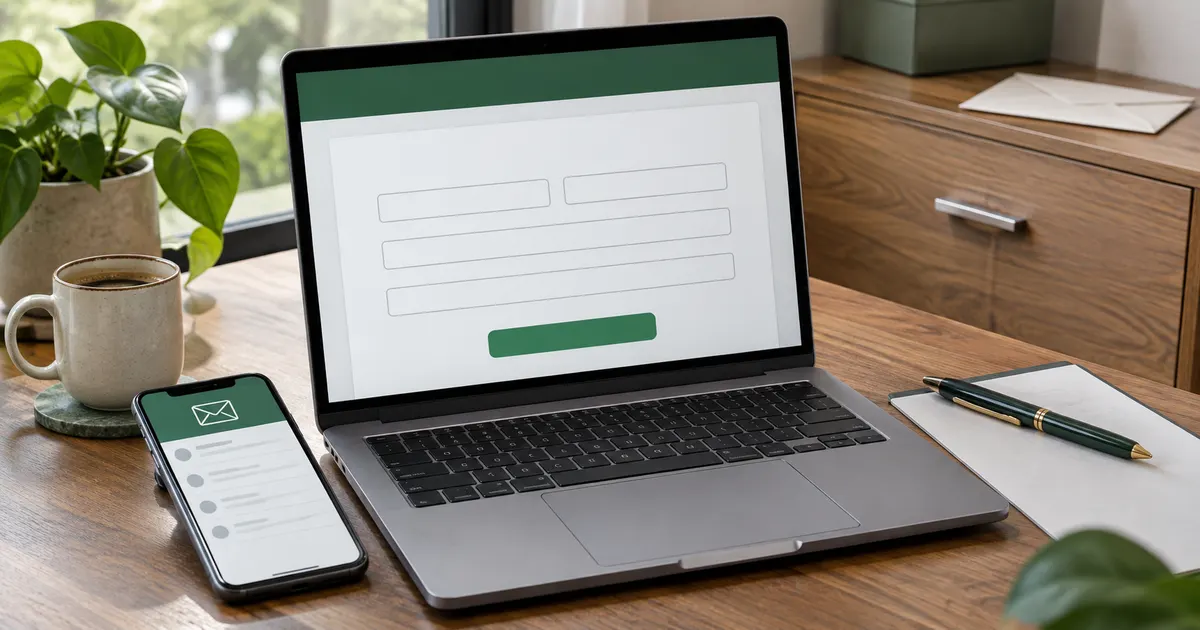
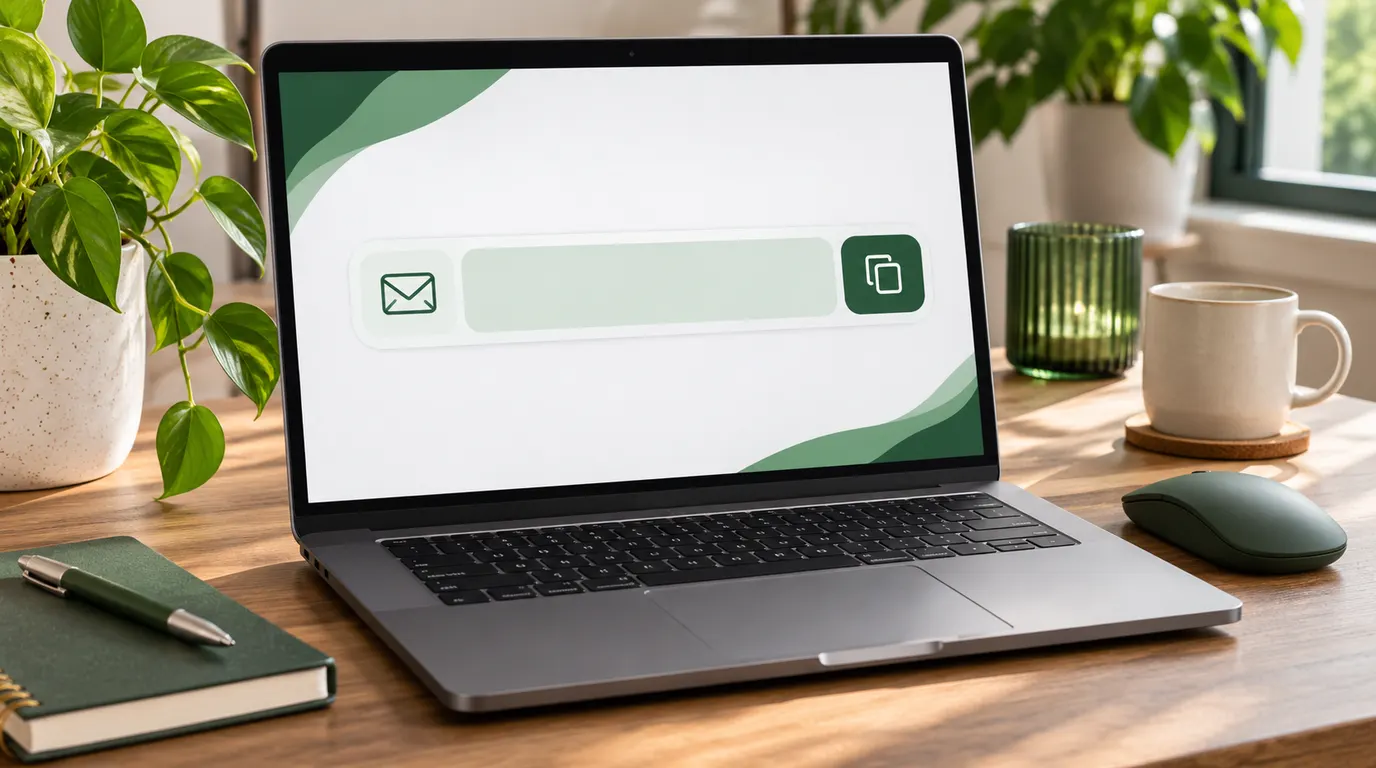
A quick picture guide: copy your temporary address, paste it into any sign-up form, and use the QR code on your phone.
New mail lands in the list on the page. Here is how to read a message, refresh, and what happens when the timer ends.
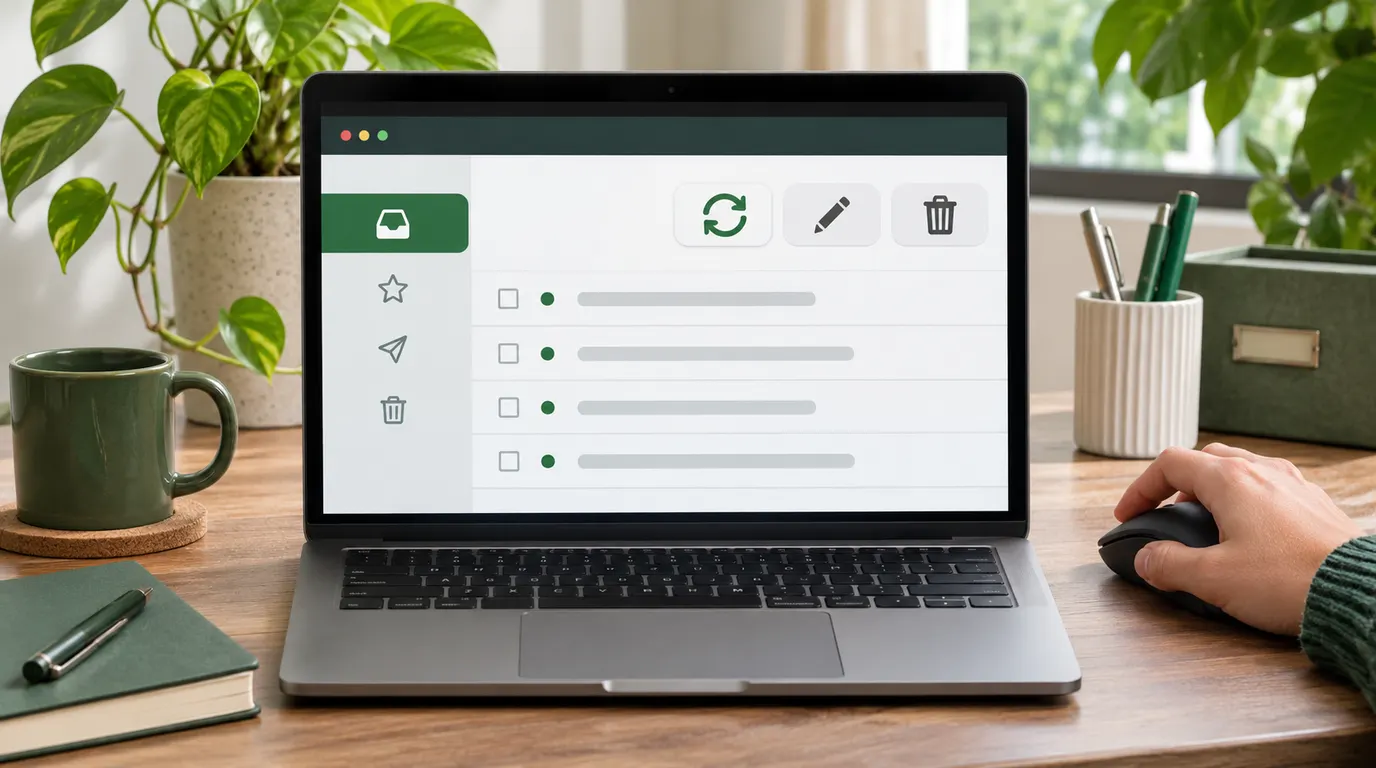
Refresh checks for mail, Change Email gives you a new address, and Delete clears messages. Here is when to use each.
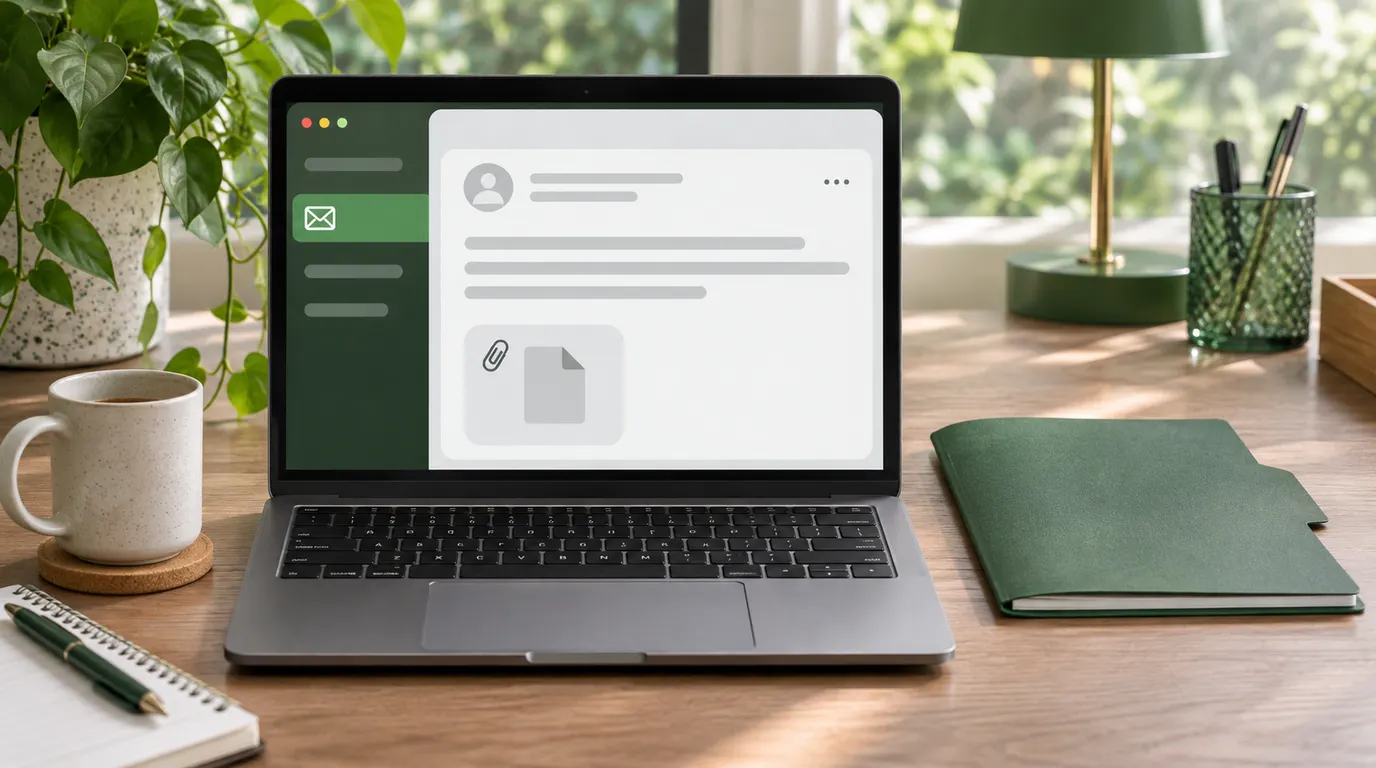
Files arrive as an attachment with a Download button. Here is how to save one safely before your inbox expires.
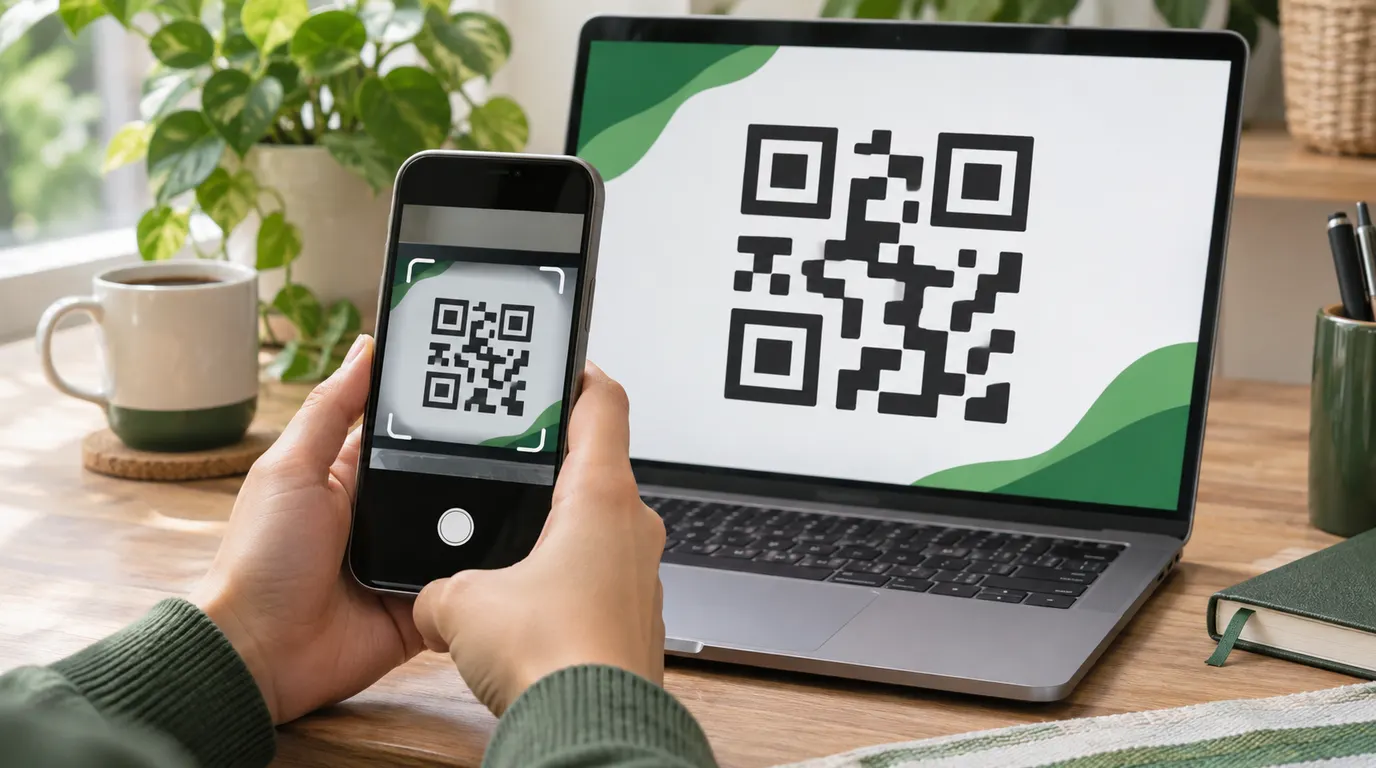
The QR button turns your address into a scannable code. Here is how to open the same inbox on your phone.
A clear side-by-side of short-lived inboxes and regular email so you know which one fits each task.
How short-lived inboxes grew from clunky 1990s spam fixes into the one-click privacy tools we use today.
After a short-lived inbox expires, the address dies and message cleanup follows the published retention policy with no way to recover it.
Three plain reasons short-lived inboxes went mainstream: less spam, a smaller data trail, and breach protection.
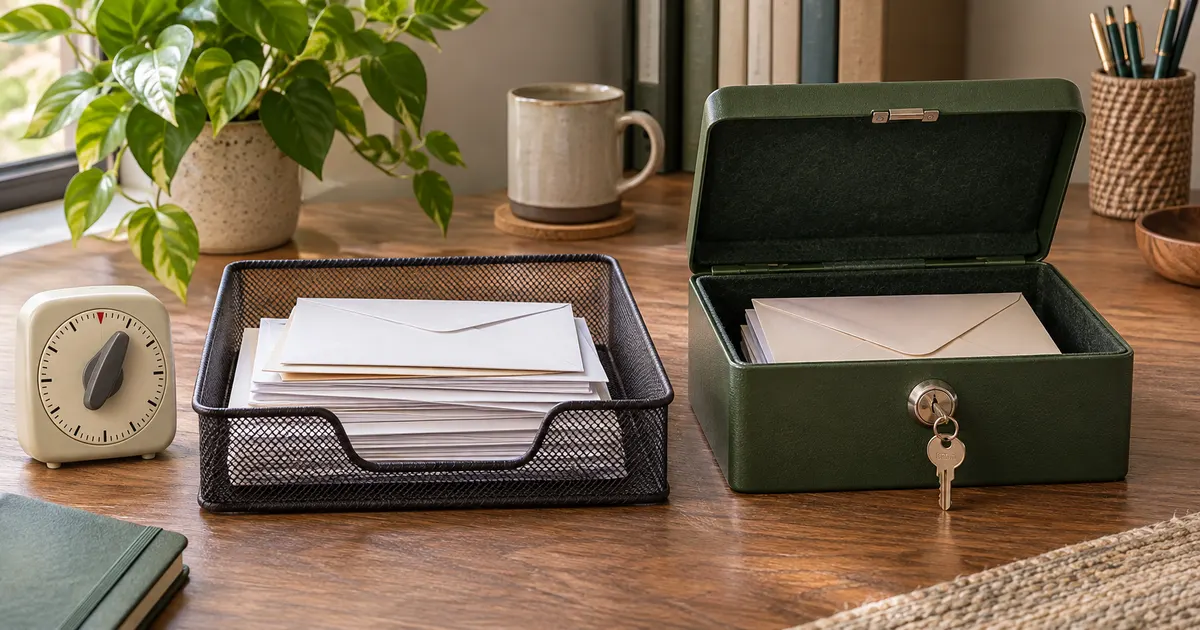
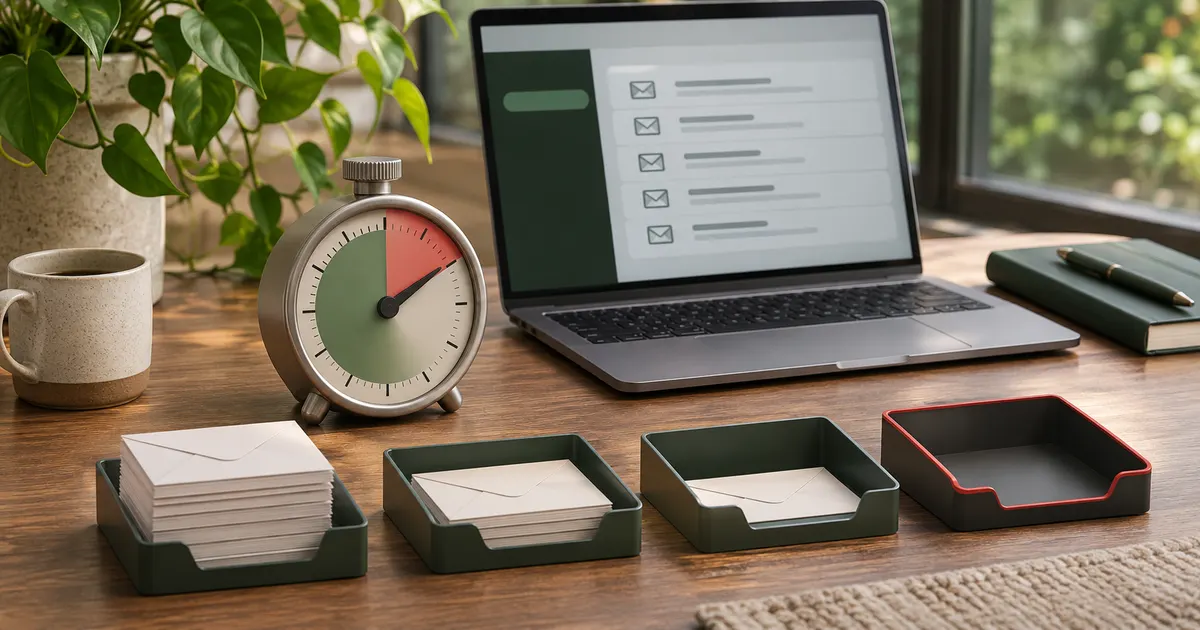
Temporary email is useful only when it matches the consequence of the task. Start with the outcome you need, then choose the narrowest guide that answers it. If losing access to the inbox could cost money, lock you out of an account, or hide an important notice, use a permanent address instead.
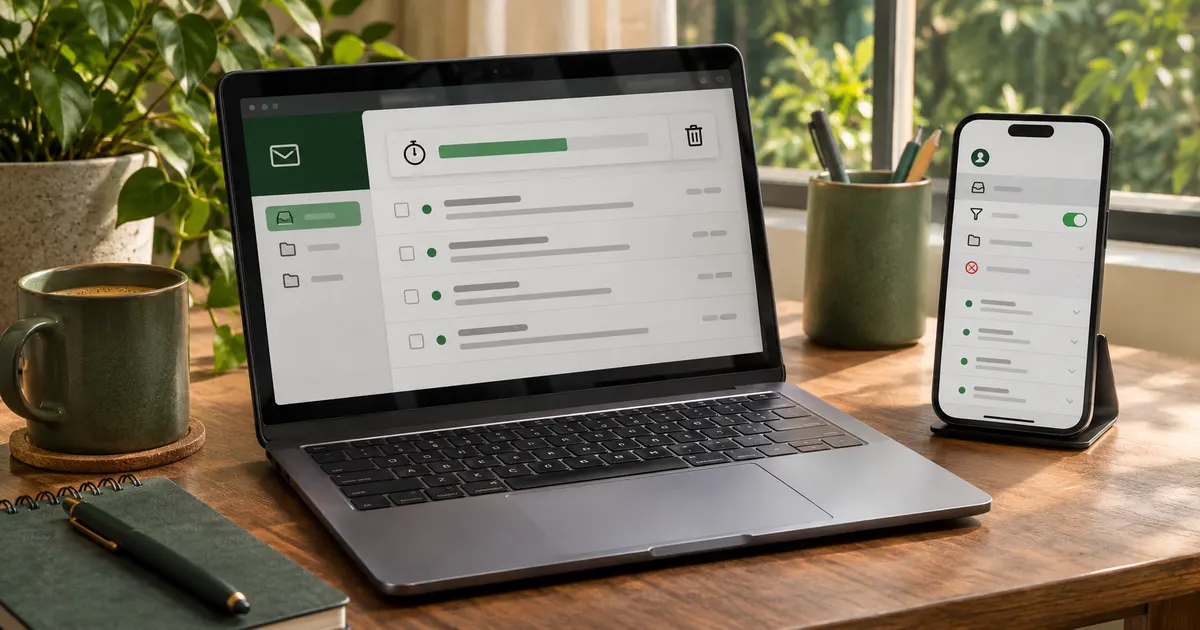
Keep the sign-up page and inbox open together, request one code, and wait before asking for another. A second request can invalidate the first code. If nothing arrives, work through the checks in our temporary email delivery guide. It separates ordinary delay from a mistyped address, an expired inbox, or a sender that blocks disposable domains.
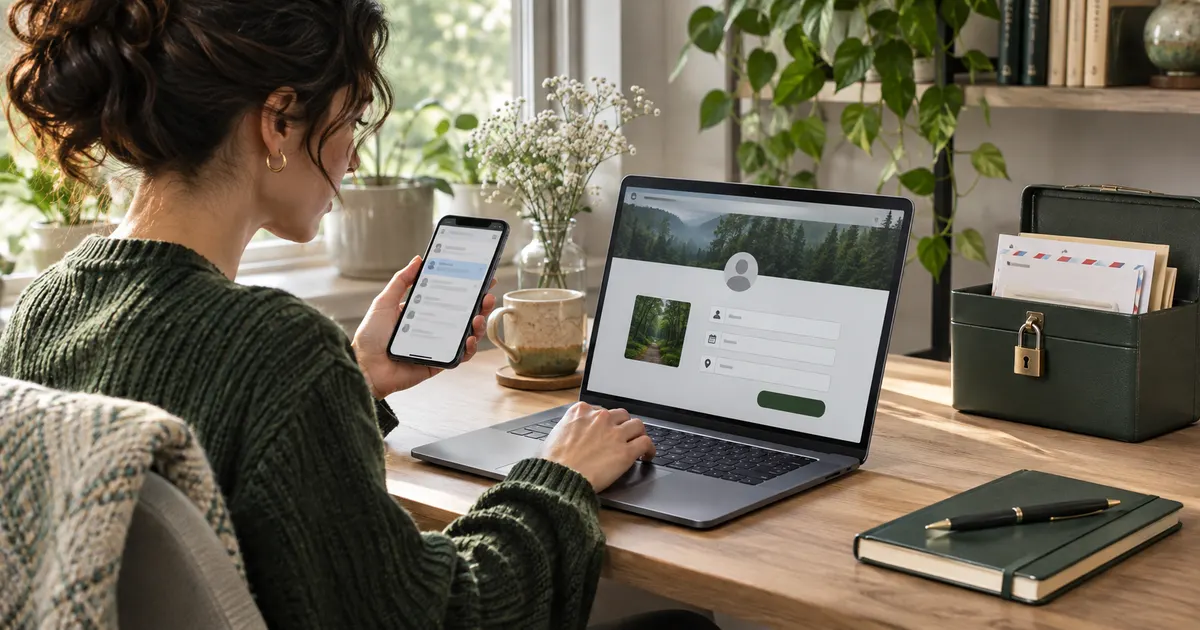
Use a separate address for a low-risk download, promotion, or newsletter preview only when you will not need the sender later. For a service you plan to keep, an alias or dedicated permanent address is easier to unsubscribe, filter, and recover. Start with how to stop sign-up spam and compare disposable email with aliases before choosing.
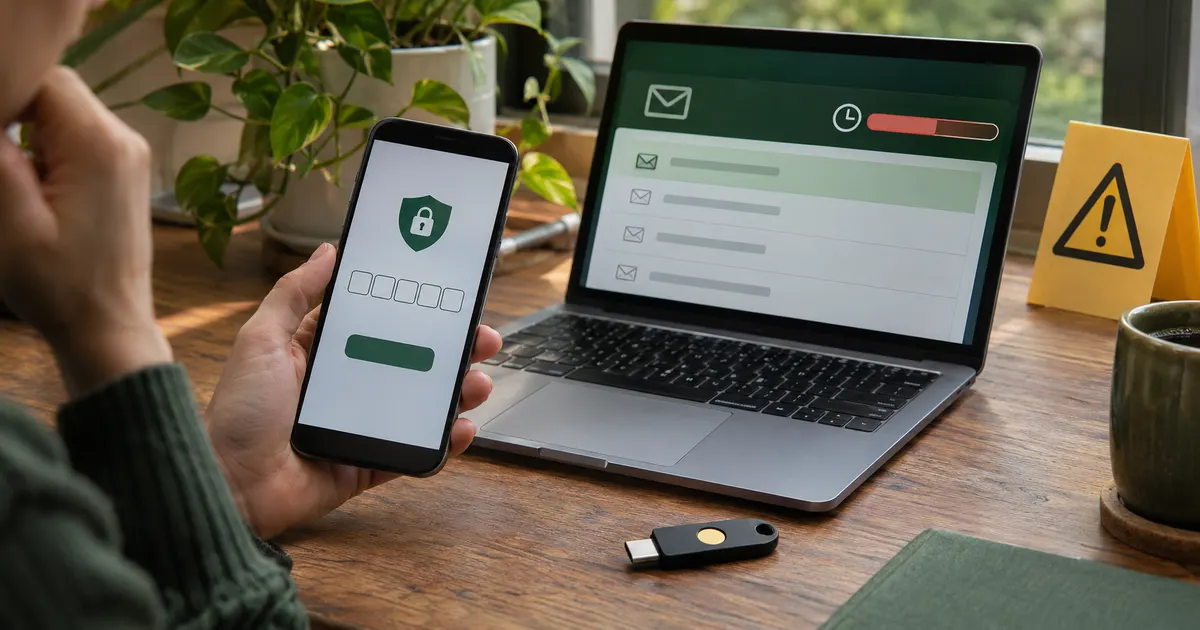
Safety depends on the message, not only the tool. A throwaway inbox can separate a low-value form from your primary address, but it is not a secure vault or a durable identity. Never route financial, medical, legal, work, purchase, or account-recovery messages through an inbox you expect to lose. Our temp mail safety guide uses those consequences to draw a clear boundary.
Some sites block disposable domains to limit abuse, preserve account recovery, or meet their own risk rules. Generating many addresses is not a reliable fix and may violate the site's terms. Read why websites block temporary email to understand the reason, then use a durable address if the service requires one.
The articles form connected topic groups instead of a pile of unrelated posts. Each group answers a different question and links to the next useful step.
Start with the narrowest guide that matches your problem. Its contextual links lead to definitions, comparisons, or troubleshooting only when that extra page helps you make the next decision.
This test is deliberately conservative. A permanent inbox with aliases and filters is usually the better tool for an ongoing relationship; a temporary inbox is for a disposable interaction.
Each article is built around one search task and gives the answer before the background. Product steps are separated from general advice, limitations are stated next to the recommendation, and temporary email is not presented as suitable for every account. Platform-specific guidance is reviewed when a flow changes; the publication and update dates on an article show its review history.