The Basic Idea Behind It
A burner inbox is really just a mailbox that nobody owns for long. A shared server hands you a random name, catches whatever arrives, and cleans it up later. You never register. You never pick a password. The magic is that the address is real enough to receive mail but temporary enough to forget.
A throwaway email may feel like a trick, but it runs on the same plumbing as any normal inbox. The only real change is that nobody keeps it forever. To see the plain version, open a disposable address and mail can arrive within seconds. Let me break down each step below so the whole thing stops feeling like magic.
Step One: The Address Is Created
When you load the page, the site picks a random word or string and pairs it with one of its own domains. That gives you something like t[email]@example-mail.net. This happens instantly, and you can refresh for a new one with the generator.
Why the name is random
A random name means two things. First, nobody can guess it and read your mail. Second, the server can hand out millions of them without clashes. The address is yours alone for as long as the timer runs. If you do not like the one you get, you can grab another in a second, and nobody keeps a record of the old one. That freedom is part of what makes these inboxes so easy to trust for quick jobs.
Step Two: The Server Catches Your Mail
Every address lives on a mail server that listens all day. When a site sends a code to your random name, the server accepts it and files it under your inbox. Then the page on your screen checks in and shows the new message, often in under a minute.
You did not set up anything. The heavy lifting sits on the server, so all you see is mail appearing in a clean list. A throwaway email skips the parts that usually take time, like verifying a phone or building a profile. That is why it feels instant. There is no account to load, just a live inbox waiting for whatever a site decides to send.
Step Three: You Read and Act
Now you use the message. Most people are after one thing: a link to click or a code to copy.
- Open the message that just arrived.
- Copy the code or click the confirmation link.
- Finish your signup on the other site.
- Leave the inbox alone. Its job is done.
Because you never gave the site your real address, its future ads have nowhere to reach you. That is the same trick behind our tips to stop signup spam.
Step Four: The Address Expires
Here is where it differs from normal mail. Each short-lived inbox has a countdown. When it ends, the server drops the address and deletes any mail tied to it. You do not press delete. It cleans itself.
| Stage | What the server does |
|---|---|
| Load page | Makes a random address |
| Mail arrives | Stores it and shows it to you |
| You act | Nothing; you just read |
| Timer ends | Deletes address and all mail |
You can even choose how long that window lasts using auto-expiration controls.
The Full Step-by-Step in Motion
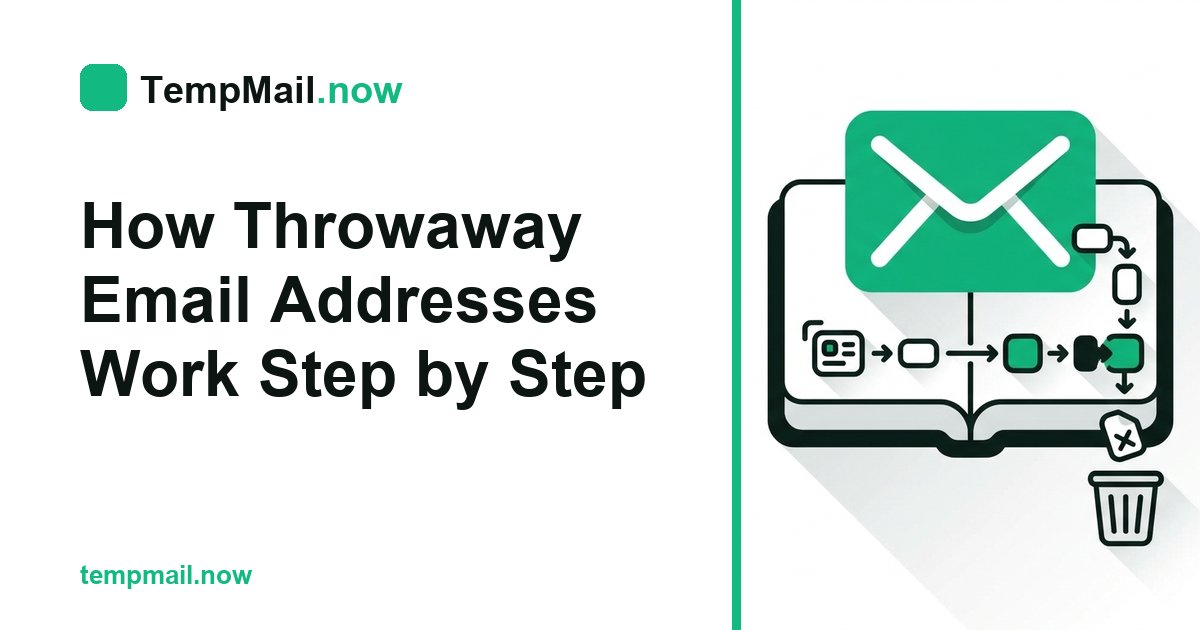
Put it all together and the whole trip is smooth. A server spins up a random name, catches your mail, shows it on the screen, and then wipes everything on a timer. No sign-up, no cleanup, no trail back to you. Each step hands off to the next without you lifting a finger.
Once you picture those four steps, a throwaway email stops feeling like a mystery. It is just a rented mailbox with a very short lease, and now you know exactly how each part does its job from start to finish.