How to Use TempMail.now: Copy Your Address in 3 Steps
A quick picture guide: copy your temporary address, paste it into any sign-up form, and use the QR code on your phone.
TempMail.now creates a free, receive-only temporary address without an account. Choose 5, 10, 15, 20, 25, or 30 minutes of browser access, read delivered messages before expiry, and use it only for low-risk tasks that do not need recovery.
Waiting for incoming emails...
One tap in your Google settings - Preferred sources show up more often in your Search results.
TempMail.now is a free temporary email service: it gives you a disposable inbox with no sign-up, receives messages that senders deliver to it, and ends browser access when the timer you choose runs out. Scheduled backend cleanup follows.
Use our Free , Receive-only , No sign-up and Timer-controlled Temporary Email.
TempMail.now is a free temp mail service with something most services skip: you choose how long your inbox lasts, from 5 to 30 minutes. Get a disposable address in one click, catch your codes and links, then let it expire - No sign-up and no spam in your real inbox.
TempMail.now gives you a free, receive-only address in one click and lets you choose 5 to 30 minutes of browser access. Use it for a low-risk code or one-time message, not for an account you must recover later.
| Cost | Free to use without an account; automated rate and abuse protections may apply. |
|---|---|
| Sign-up | None. An address is ready the moment the page loads. |
| Inbox lifetime | You choose 5, 10, 15, 20, 25 or 30 minutes of browser access. Scheduled backend cleanup follows expiry. |
| Receiving | Receives ordinary messages, verification codes, links and supported attachments; delivery time depends on the sender and network. |
| Sending | Receive-only. You cannot send or reply from a temporary address. |
| Domains | A rotating pool of domains. Use Change Email to get a different one if a site rejects yours. |
| Data retention | Browser access ends with the timer; scheduled backend cleanup follows the retention window in the privacy policy. |
TempMail.now is a free temp mail service. It prepares a disposable email address when you open the page. You can read messages, click a link, or copy a code. Browser access ends at expiry, and scheduled backend cleanup follows.
You do not create an account or provide a name or phone number to use the inbox. Keeping a disposable address separate from your primary mailbox can reduce unwanted mail and limit how widely that primary address is shared.
A disposable email is a free inbox that expires after a short time. People also call it tempmail, a throwaway email, or a burner email. It catches the messages you don't want in your main inbox.
These addresses got popular as an easy way to dodge spam and stay private. They shine when you try a new app, join a forum, or download a file.
A disposable inbox limits where you share your permanent address. That can reduce future spam and keep that address out of a site's customer database. It is a separation tool, not an invisibility tool.
Do not use temporary email for banking, purchases, medical information, password resets, or private files. Read the temporary email safety checklist before using it for anything beyond a simple sign-up.
Choose enough time for the whole task, including delivery delays and the step after the message arrives. A longer timer does not make the inbox suitable for long-term accounts.
Want to go further? Try a self-destructing 10-minute mail inbox, learn the limits of an anonymous email address, or improve your online privacy and digital footprint. New here? Read about the TempMail.now mission, or share TempMail.now with a friend.
Comparing your options? Use the temporary email service comparison, or check when temporary email is safe to use. Signing up somewhere specific? Read the temp email guides for Facebook, Instagram, Reddit and Discord.
Want to go deeper? Read the temp mail and privacy research library.
Use the tool that matches how long the relationship must last. The safest choice is often the one that still works when you need help or a password reset months later.
| Choose | Best for | Avoid it when |
|---|---|---|
| Temporary inbox | One-time codes, low-risk forms, short tests, and disposable downloads | You will need the account, receipt, or recovery route later |
| Email alias | Ongoing newsletters or services where you want forwarding and the option to disable one alias | You do not want messages forwarded to a permanent mailbox |
| Permanent email | Banking, purchases, subscriptions, work, health, and accounts that need recovery | The interaction is truly disposable and likely to create spam |
For a reusable middle ground, see the plus-addressing and inbox-filter guide. For accounts you intend to keep, review the account-recovery risks of temporary email.
A temporary inbox that does one job well: catch what you need, then expire. No account, no identity details, no clutter in your real inbox.
Choose how long your inbox lives, anywhere from 5 to 30 minutes.
Your address is ready the second the page loads. No name, no password.
When the timer ends, the inbox closes; scheduled cleanup removes its backend data under the retention policy.
Any phone or computer, any browser. Copy your address or share it by QR.
New to temp mail? These short, picture-led guides show you exactly where to click.
A quick picture guide: copy your temporary address, paste it into any sign-up form, and use the QR code on your phone.
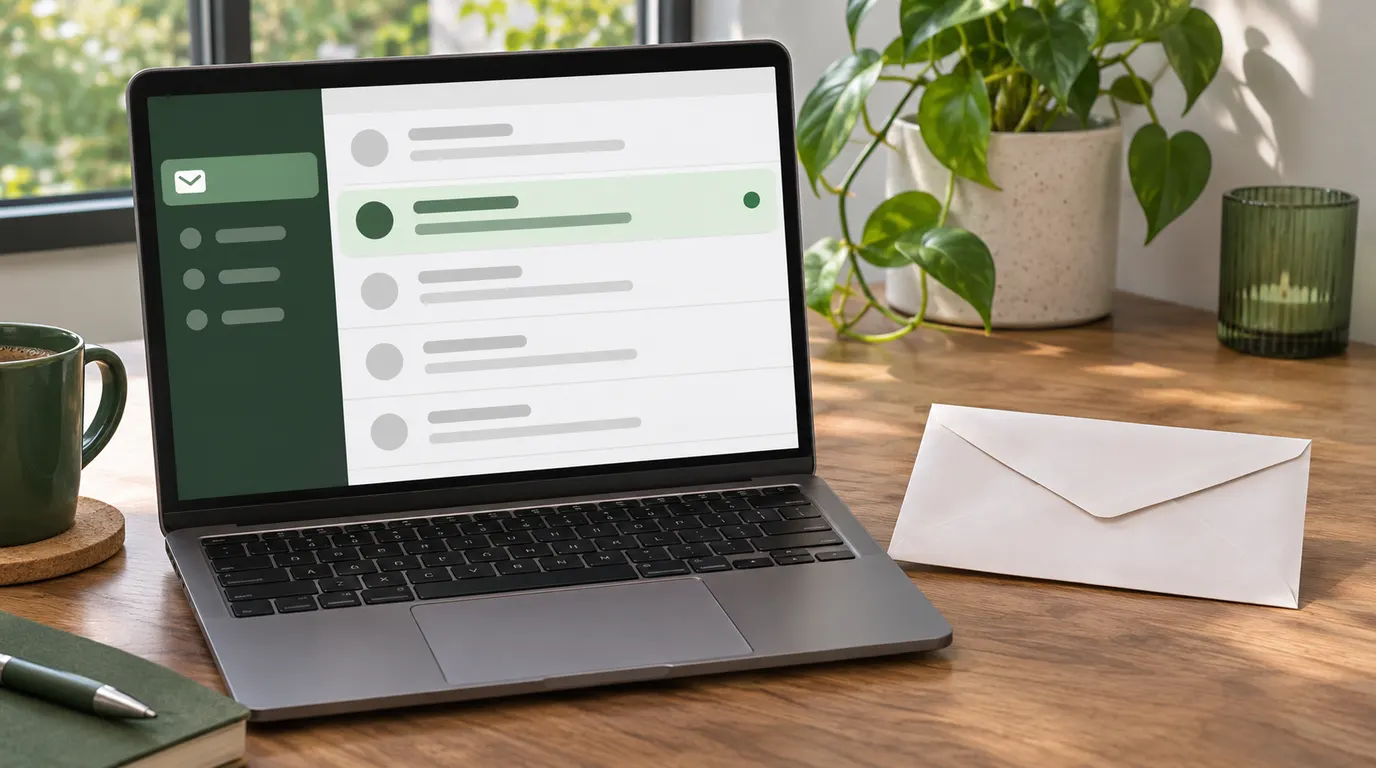
New mail lands in the list on the page. Here is how to read a message, refresh, and what happens when the timer ends.
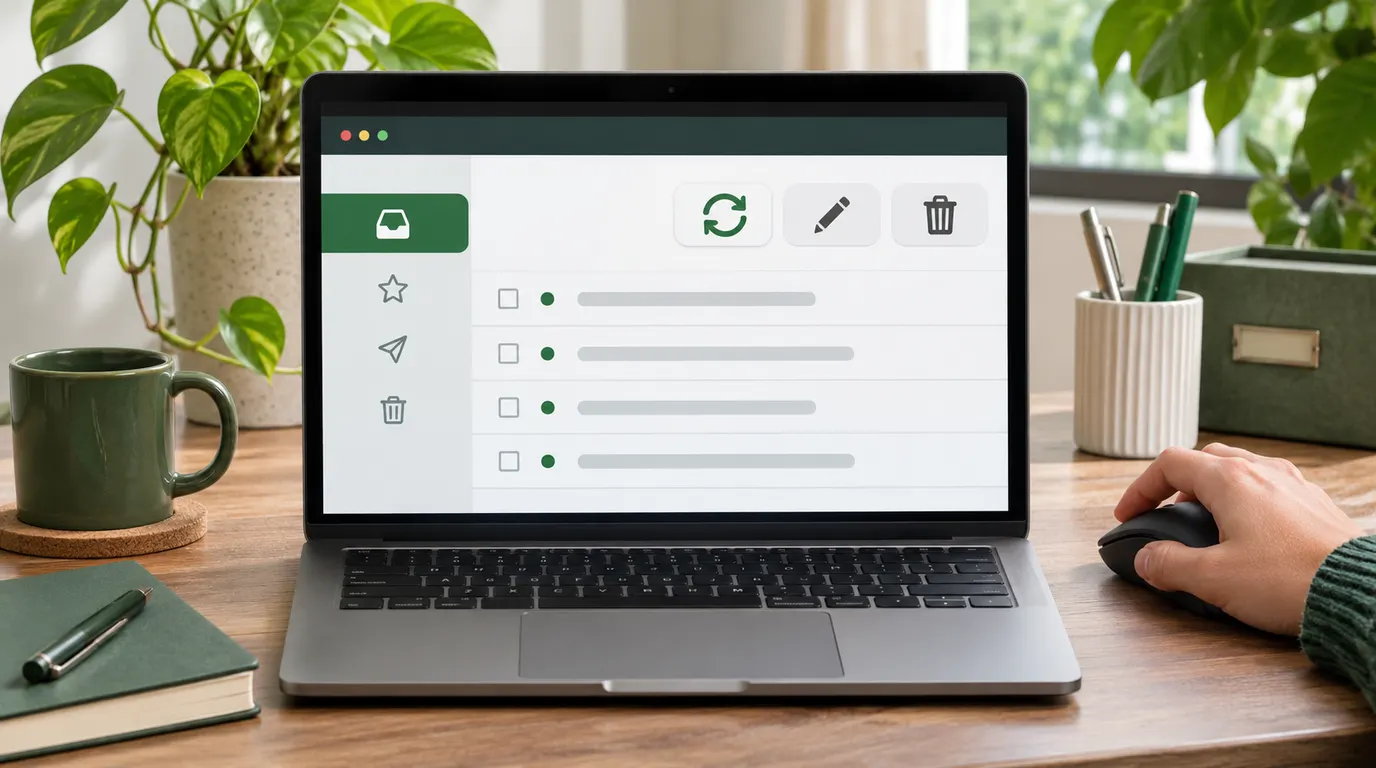
Refresh checks for mail, Change Email gives you a new address, and Delete clears messages. Here is when to use each.
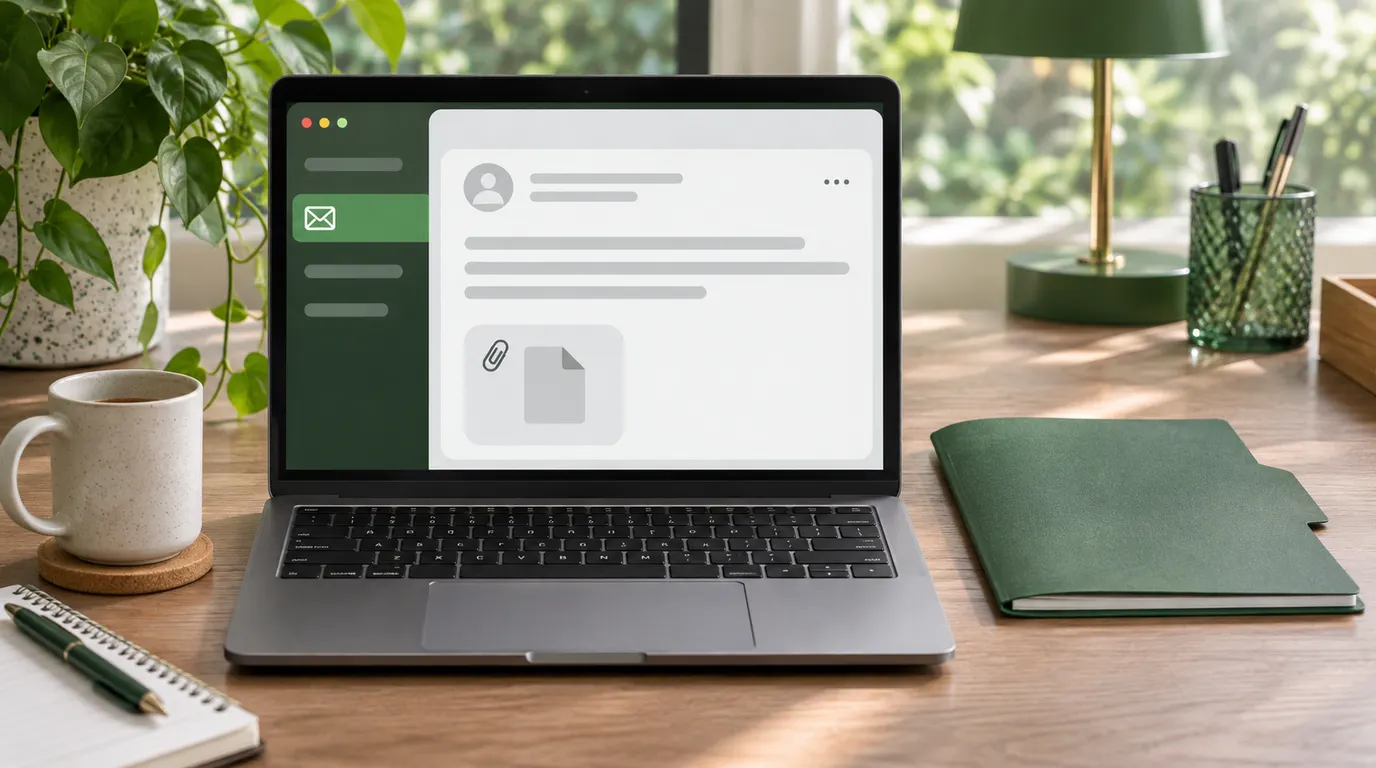
Files arrive as an attachment with a Download button. Here is how to save one safely before your inbox expires.
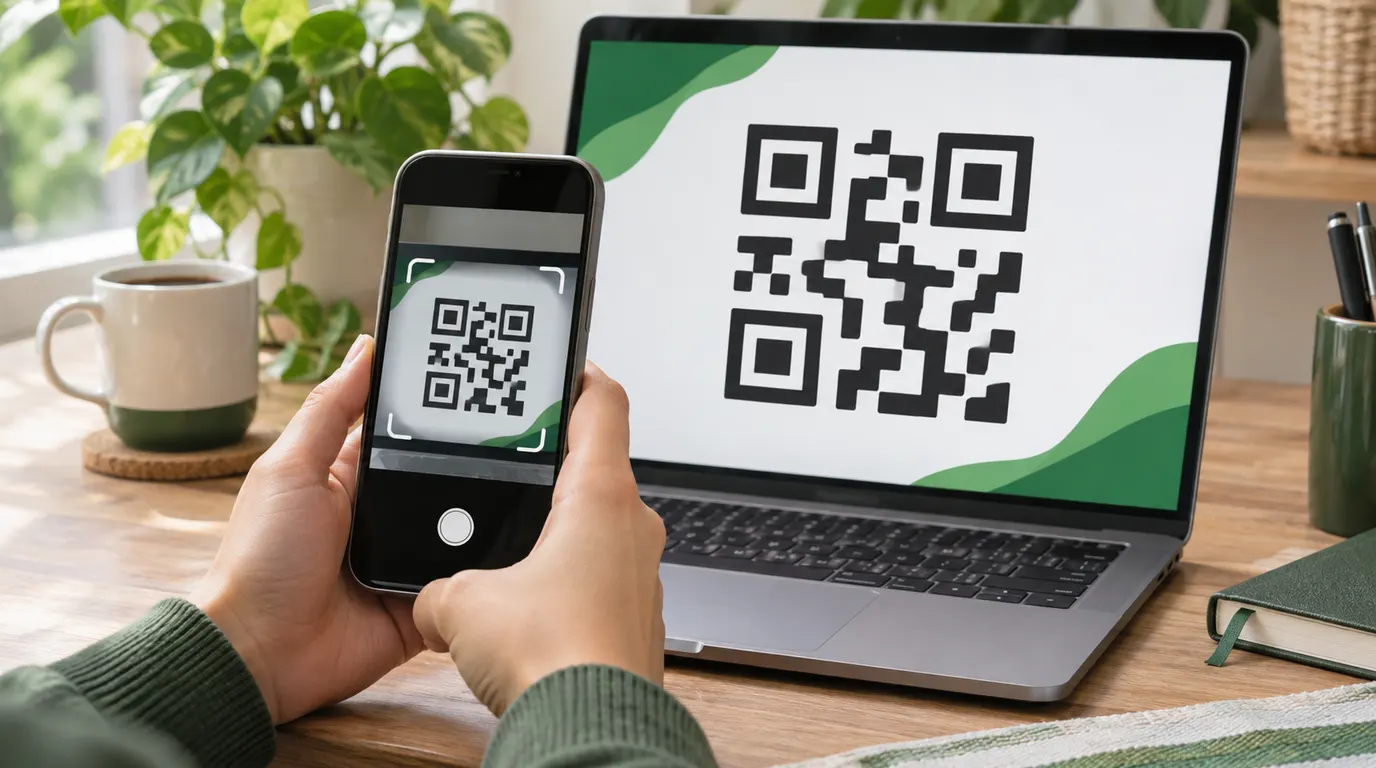
The QR button turns your address into a scannable code. Here is how to open the same inbox on your phone.
A throwaway address is the right tool any time you need an inbox for a few minutes, not for years. Because you choose how long it lasts, it fits both a quick 5-minute code and a slower sign-up. These are the moments it shines:
Skip it for anything you must keep or log back into later, like your bank, your email, or a password reset. Those need a real inbox you control. Not sure if a service will accept a disposable address? See whether temp mail is safe and why some sites block it.
Every guide answers a different question. Browse practical steps, safety advice, platform limits, comparisons, and inbox timer choices.
Yes. TempMail.now is free to use and does not require an account. A temporary inbox is prepared when the page loads.
No account, password, name, phone number, or permanent email address is required. Normal cookies, network records, and security logs may still contain technical data, so the service does not promise complete anonymity.
Your inbox is accessible until its timer runs out. Pick 5, 10, 15, 20, 25, or 30 minutes. At expiry, browser access ends and scheduled backend cleanup handles final deletion.
Often, yes. A temporary inbox can receive verification codes, confirmation links, and one-time messages when the sender accepts the address and delivers the email. Use Refresh to check for new mail.
Supported attachments can appear with the message, but treat every unexpected file as unsafe. Verify the sender and file type before downloading, and finish before the inbox timer expires. See the attachment safety guide for the full checklist.
No. TempMail.now is receive-only. You cannot send or reply from a temporary address. It is built to catch incoming messages while keeping your real inbox private.
Using a disposable email for privacy and spam control is generally legal. Use it only for low-risk tasks and follow the destination site's rules. TempMail.now does not require identity details, but ordinary technical logs and backend retention may still apply.
It may not. Google and other providers can reject disposable domains or require another verification method. Check the provider's current rules, and use a permanent address for any account you need to recover later.
No. Once the timer runs out, browser access ends and the inbox cannot be restored to you. Its records are removed later by scheduled backend cleanup. If you need more time, choose the 30-minute option before generating the address.
Addresses come from a rotating pool of our own domains. If a website rejects the one you were given, click Change Email to get an address on a different domain and try again.
Not yet. Each address is generated randomly, which makes it harder to predict. Use Change Email if you need a different generated address.
Wait briefly and use Refresh. Delivery can be delayed, the sender may reject disposable domains, or the message may not have been sent. If the site rejects the address, try a fresh address or use a permanent mailbox when the site's rules require one. Our temp mail not-receiving troubleshooting guide covers the checks in order.
Can Companies Track You Through a Disposable Email
A throwaway inbox breaks the email link companies track you by, but IP, cookies, and pixels still leak unless you stack a few extra privacy habits.
4 min read
Is It Safe to Use Temp Mail for Online Shopping
A throwaway inbox is a smart shield for one-time buys and marketing spam, but a poor fit for orders you must track, return, or warranty later.
4 min read
Will Temp Mail Work for Two-Factor Authentication
A throwaway inbox catches a one-time 2FA code at sign-up, but point real account protection somewhere lasting so an expired inbox never locks you out.
4 min read