How to Use Temporary Email for Verification Codes Safely
Use temporary email for a verification code only when the account and message are genuinely disposable. Keep a permanent mailbox or revocable alias for anything involving money, identity, saved work, purchases, subscriptions, or future recovery. Never put a sensitive authentication code into an inbox whose access and retention model you have not verified.
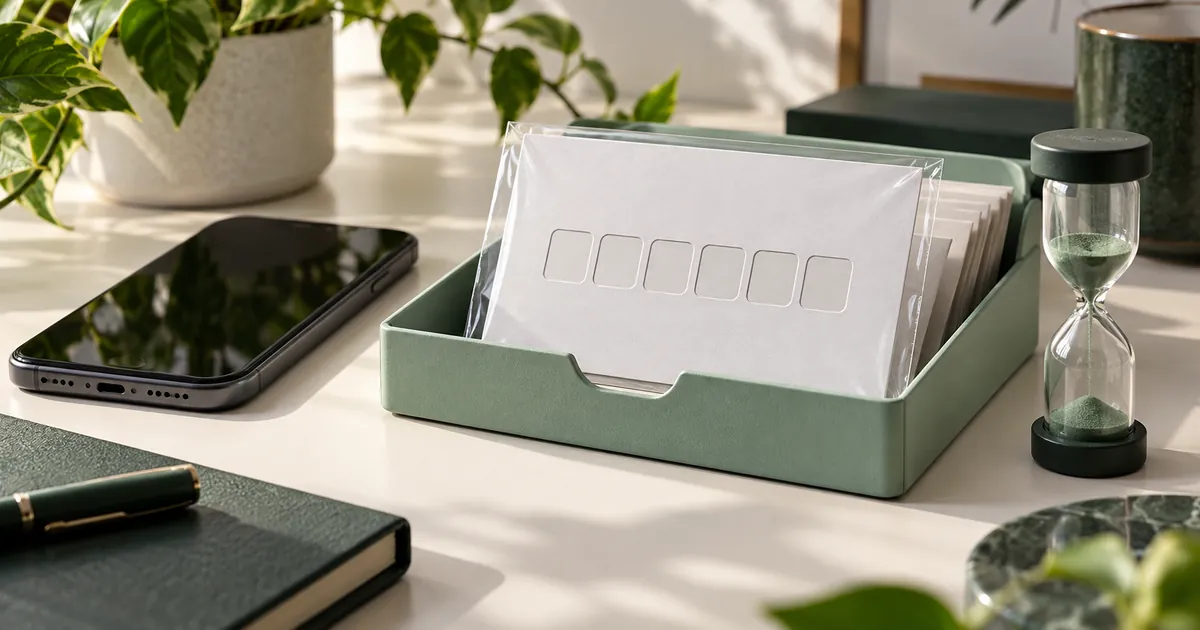
A temporary inbox can be a good place to receive a low-risk sign-up code, but only when you will not need the address again. The important question is not whether the code arrives. It is whether the account may later send a password reset, security alert, receipt, or ownership challenge to the same address.
The 30-second decision
Before requesting the code, ask three questions:
- Would losing this account matter? If yes, use an address you control long term.
- Could the message expose money, identity, health, work, or private files? If yes, do not use a short-lived inbox.
- Will the service send anything useful later? Receipts, delivery updates, renewal notices, security alerts, and password resets need a durable route.
If every answer is no, a disposable address may be reasonable. If any answer is yes or uncertain, a forwarding alias is usually the safer privacy option because it hides your main address while preserving recovery.
What happens during email verification
The site creates a random token, ties it to the sign-up attempt, and emails either a short code or a link. Entering the code or opening the link proves only that someone can read that inbox at that moment. It does not prove identity, and it does not make the inbox suitable for future account ownership.
Codes also expire. Request one code, keep the verification page open, and wait before asking for another. Repeated requests can invalidate the earlier message, trigger a rate limit, or leave several nearly identical emails in the inbox. Use the newest code unless the sender explicitly says otherwise.
A code and a link can also be tied to the browser session that started the request. Opening a link in another browser, a private window, or a different device may fail even when the message is genuine. Return to the original sign-up tab first. If the page has expired, restart the sign-up once instead of requesting codes from several tabs.
Read the message as a transaction record before acting. Confirm that the destination address matches the temporary address you entered, the service name matches the page you opened, and the link leads to the expected service domain. Do not paste a code into chat, a support ticket, or a page reached from an unrelated message. A real support agent should not need the live code to diagnose delivery.
A reliable step-by-step workflow
- Decide whether the account is disposable using the questions above.
- Open the temporary inbox first and copy the complete address.
- Paste it into the sign-up form and check for accidental spaces or missing characters.
- Submit once, then keep both tabs open while you wait.
- Check the sender name and destination address before using the code or link.
- Use the latest message. If nothing arrives after a minute, use the sender's resend control once.
- Finish the task before the inbox timer ends. Download only files you expected.
Refreshing the browser cannot make the sender transmit faster. If delivery stalls, work through the temp mail not-receiving checklist instead of generating several accounts and codes at once.
| What you see | Likely next check |
|---|---|
| No message and no sender confirmation | Check the address and whether the form actually submitted. |
| Several codes arrived | Use the newest message in the same browser session. |
| The code is rejected immediately | Check for an expired page, an older code, or a second sign-up tab. |
| The domain is refused | Respect the service policy and use an appropriate durable address. |
When a temporary inbox is the wrong tool
Do not use one for banking, payment wallets, tax or government services, health portals, work accounts, cloud storage, source-code hosting, primary social profiles, paid games, travel bookings, or stores where you may need returns and order records. A short-lived address turns routine recovery into an ownership problem.
Two-factor authentication by email is especially poor fit. A second factor is meant to remain available when you log in later. An expiring inbox cannot do that. Choose an authenticator app, security key, or durable email route offered by the service.
What to do after the code arrives
If the account unexpectedly becomes valuable, change its email address while the temporary inbox is still accessible. Confirm the new address, add a strong unique password, save recovery codes, and review the account's recovery methods. Do not assume adding a phone number automatically replaces email recovery.
If the service does not allow the address to be changed, treat that as a warning that the account is tied to an inbox you may lose. Export anything important and create a properly recoverable account rather than building more value on top of it.
Test the migration before closing the temporary inbox. Sign out, sign back in with the new address, request a harmless account notification if the service provides one, and verify that the old address is no longer listed as a recovery method. Store backup codes outside email. This short test catches the common case where a new contact address was added but the original address still controls password resets.
Verification code questions
Can a temporary email receive a verification code?
Answer: Can a temporary email receive a verification code?
Usually, yes, when the sender accepts the domain and sends ordinary email. A site may block known disposable domains, delay the message, or require another verification method.
Why did the first code stop working?
Answer: Why did the first code stop working?
Requesting another code often invalidates the previous one. Use the newest message and make sure you are completing the same sign-up session that requested it.
Is an email verification code private?
Answer: Is an email verification code private?
Not automatically. Anyone who gains authorized or unauthorized access to the inbox may be able to use the code. Treat a short-lived inbox as unsuitable for sensitive authentication.
Can I recover the account later with the same address?
Answer: Can I recover the account later with the same address?
Do not count on it. Browser access and the inbox can expire, and an old address may not be recoverable. Use a durable address or alias when future recovery matters.
Reviewed 2026-11-02 for code handling, recovery risk, and safe account use.