How to Use TempMail.now: Copy Your Address in 3 Steps
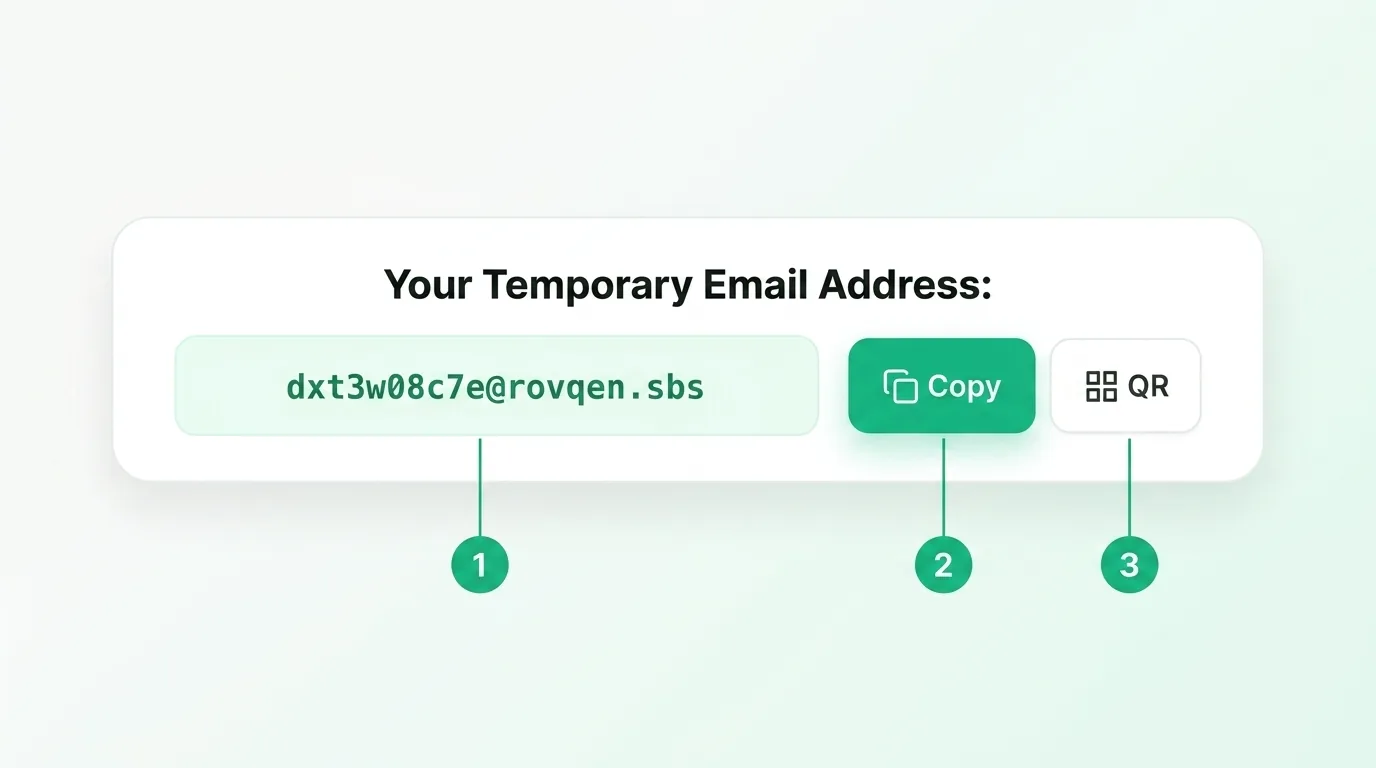
A quick picture guide: copy your temporary address, paste it into any sign-up form, and use the QR code on your phone.
Read the guide →Short, picture-led walkthroughs of the temporary email tool. Each guide shows you exactly where to click, in plain steps. New here? Start with how to use the tool, then work down the list.
A quick picture guide: copy your temporary address, paste it into any sign-up form, and use the QR code on your phone.
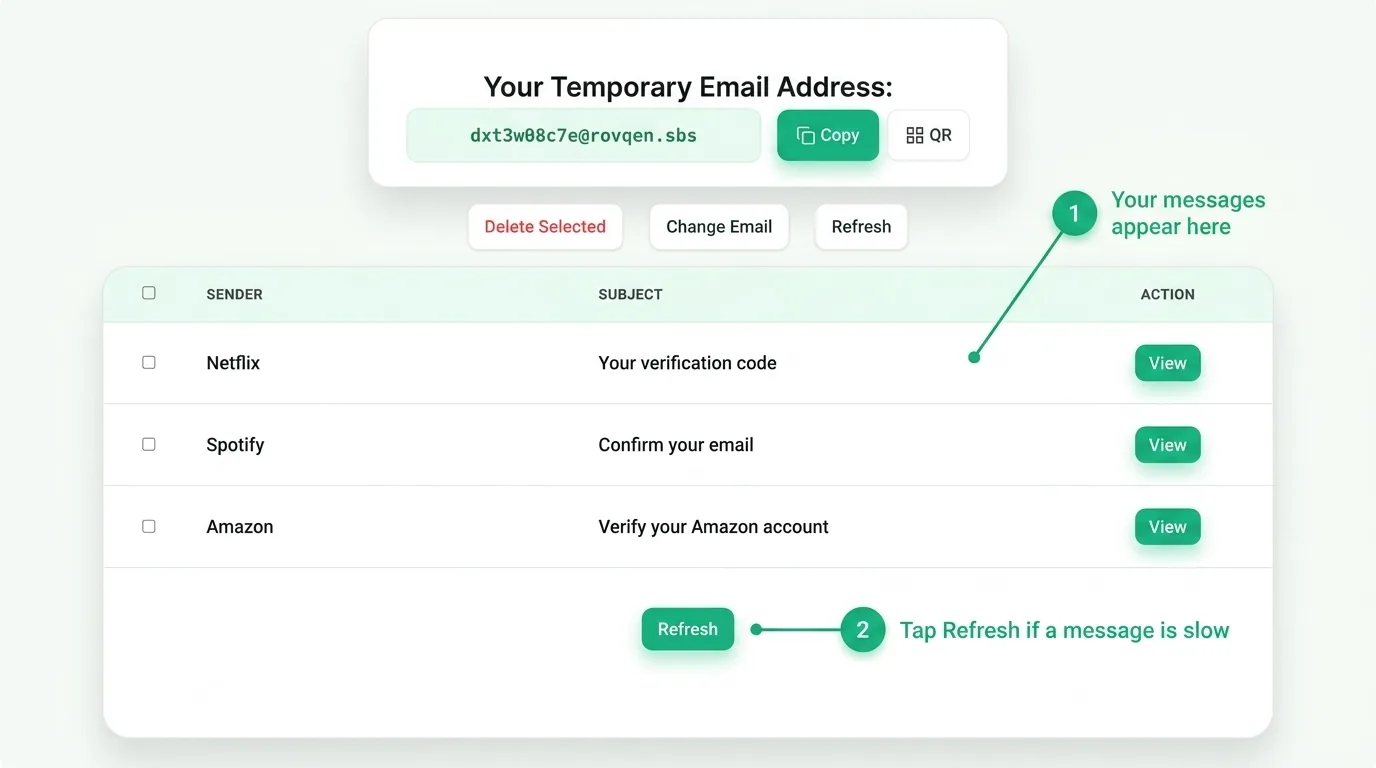
Read the guide →New mail lands in the list on the page. Here is how to read a message, refresh, and what happens when the timer ends.
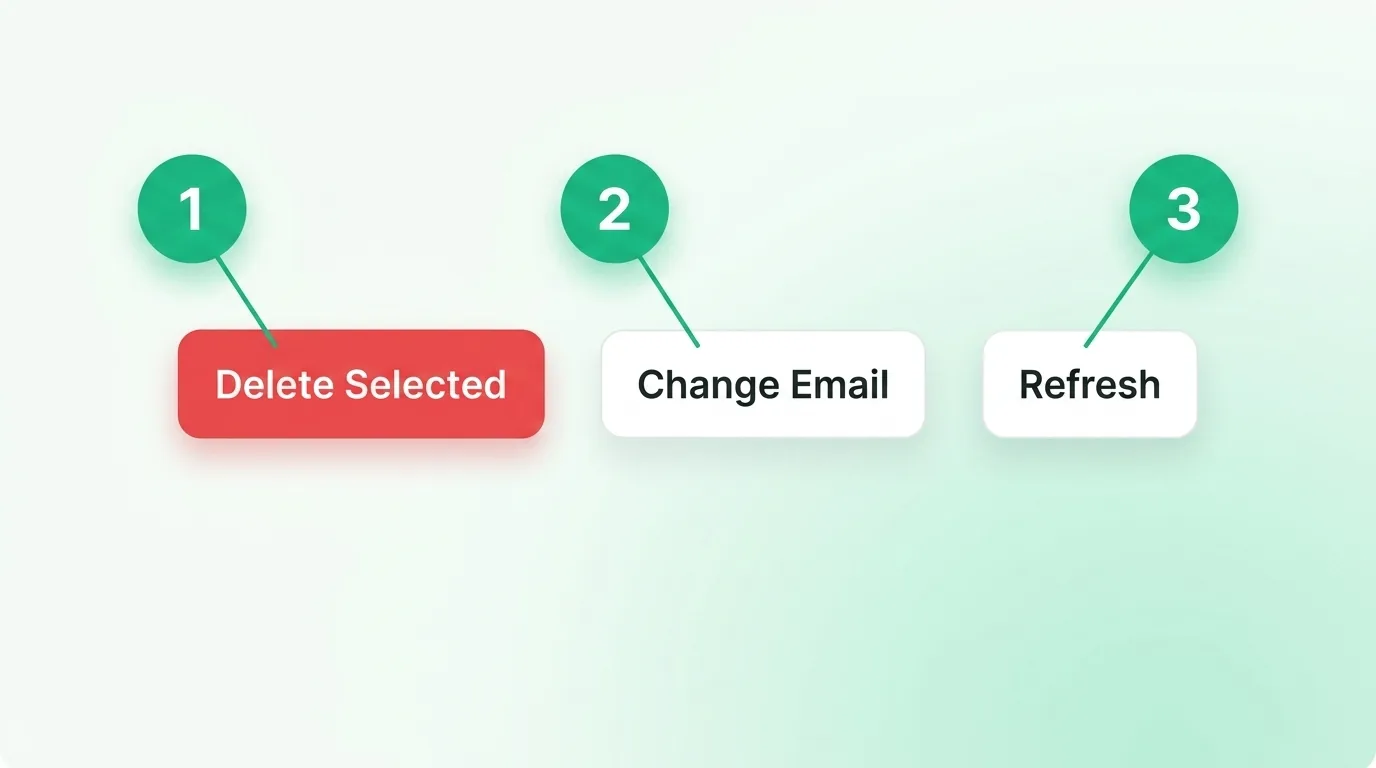
Read the guide →Refresh checks for mail, Change Email gives you a new address, and Delete clears messages. Here is when to use each.
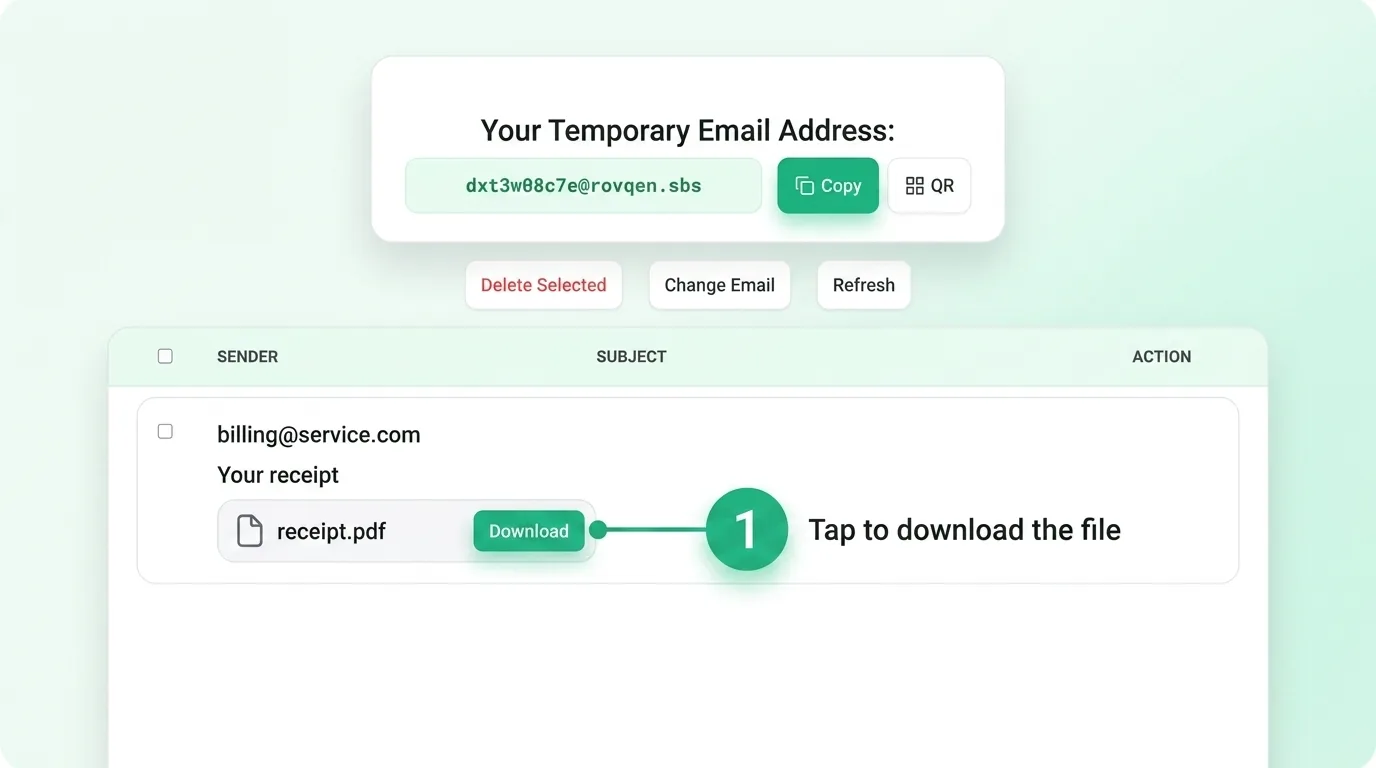
Read the guide →Files arrive as an attachment with a Download button. Here is how to save one safely before your inbox expires.
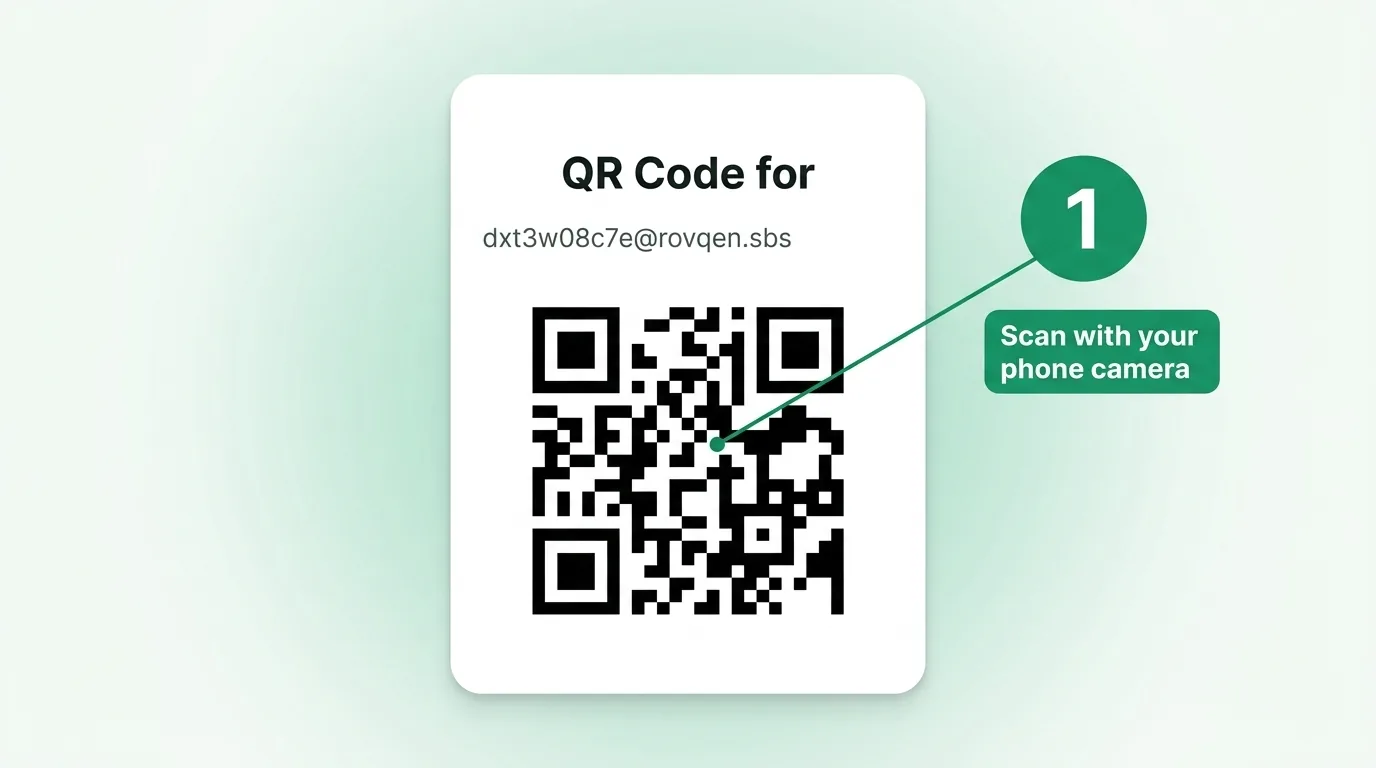
Read the guide →The QR button turns your address into a scannable code. Here is how to open the same inbox on your phone.
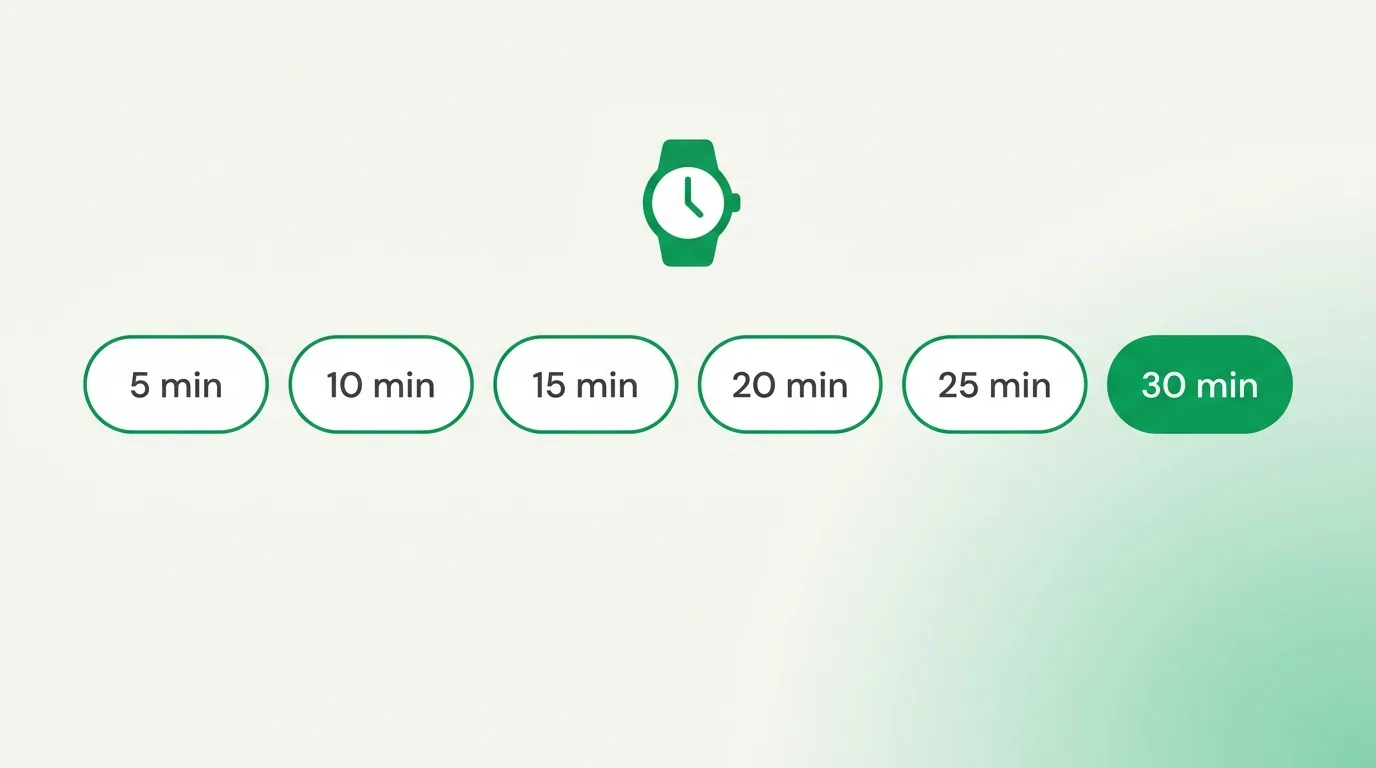
Read the guide →You are not stuck with a fixed 10 minutes. Choose 5 to 30 minutes so the inbox fits your task.
Read the guide →A temporary email is a free inbox you use for a few minutes and then throw away. You never sign up, and you never share your name. It catches sign-up codes, confirmation links, and one-off messages while your real inbox stays clean and private.
If you want the full picture first, read our short explainer on what a disposable email is, or just grab a free address and follow along with the guides above.
Each guide is one small task, shown with a real picture of the tool. Together they cover everything you need:
No. Everything on TempMail.now is free and needs no sign-up. Open the page and your temporary address is ready right away.
Start with how to use the tool, which covers copy and QR. Then work down the list: Reading messages, changing your address, attachments, and the timer.
Yes. Each guide shows the real buttons you will see, and we update them when the tool changes.
Yes. The QR guide shows how to open the same inbox on your phone in a couple of taps.
Ready to try it yourself? Grab a free temporary email and follow along.