What the QR button does
Next to Copy is a QR button. Tap it and TempMail.now turns your temporary address into a square code. Scanning that code opens the very same inbox on another device. It is the fastest way to move a long, random address from your computer to your phone without typing a single letter.
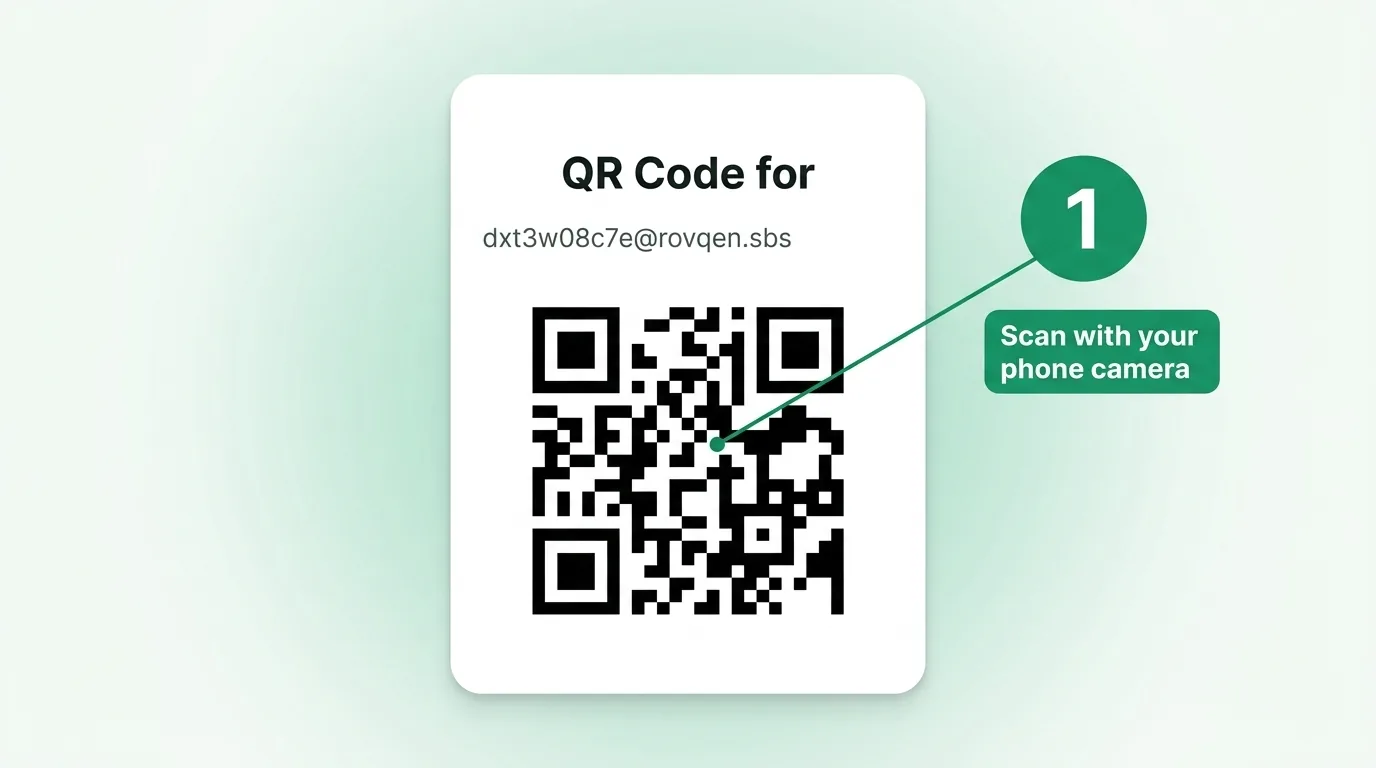
Scan it in three steps
- On your computer, tap the QR button to show the code.
- Open the camera app on your phone and point it at the code.
- Tap the link that pops up to open your inbox on your phone.
Most phones made in the last few years read a QR code straight from the camera app, so you rarely need a separate scanner. Hold the phone steady until the link appears, then give it a tap.
When the QR code helps
This is handy when you sign up for something on your computer but want the inbox open on your phone, or when you would rather not retype a long address by hand. It is the same inbox either way, just easier to carry. It also helps when you are away from your desk and need to catch a code on the go. Because it is the same address, a message that lands shows up on both screens.
Picture a few everyday cases. You are buying something at your desk, but the shop texts its code to a phone app, so you scan the QR to keep the inbox handy on your phone. Or a friend needs to sign up on your computer, and you would rather they read the code on their own phone than lean over your keyboard. In each case, the QR button saves you from typing a long, random address and getting a letter wrong. It is a small step that removes a lot of fuss.
A few tips for a clean scan
- Turn up your screen brightness so the code is easy for the camera to read.
- Hold the phone about a hand's width away and let it focus.
- If the link does not pop up, try a well-lit spot or move the phone a little closer.
Once you are in, everything works the same as on your computer. You can read mail, copy a code, and see all the tool features from your phone. If a code still does not land, our troubleshooting guide covers the fixes.
Common questions
Do I need a special app to scan it?
No. On most phones the built-in camera reads the code. Older phones may need a free QR app from the store.
Is the phone inbox a different one?
No. It is the exact same inbox and address, just open on your phone too.
What if I change my address later?
Show the QR code again after you switch, then scan it once more to bring the new address to your phone.
Your temp inbox, now on your phone
One tap and one scan puts your temporary inbox on your phone. Nothing to install, and no account to make. New to how these addresses work? Read what a disposable email is, or just grab a free inbox and try the QR button.