You choose the timer
Most temp mail sites give you one fixed window, usually 10 minutes. TempMail.now lets you pick. You can choose a window from 5 minutes all the way up to 30, so the inbox fits the task instead of the other way around. That small choice makes a real difference when a code is quick to arrive or slow to show up.
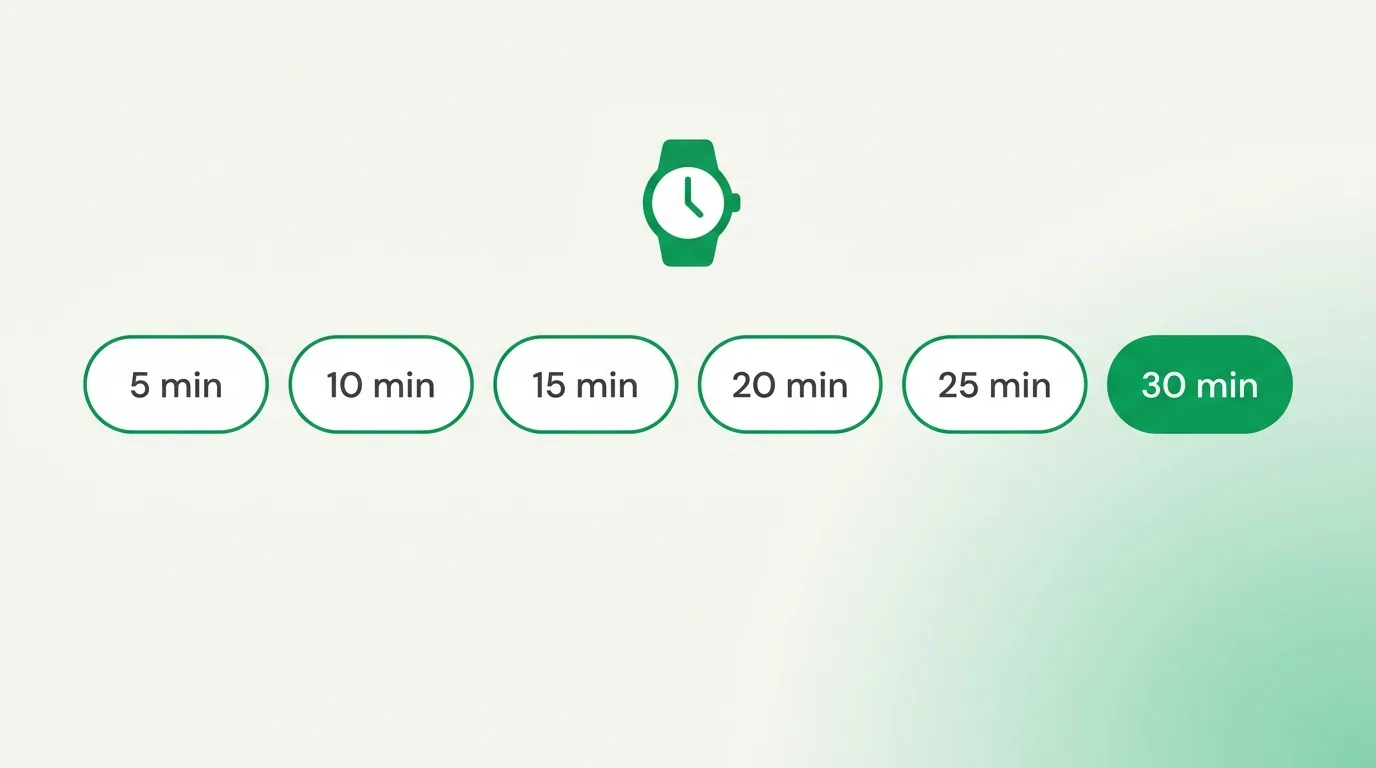
Short or long: which to pick
- A short window (5 to 10 minutes) is perfect for a quick code you will use right away. Try 5-minute mail for a one-and-done sign-up.
- A longer window (up to 30 minutes) gives a slow sign-up room to breathe, so a late code still lands. Try 30-minute mail when you expect a wait.
If you are not sure, start longer. A 30-minute window costs you nothing and makes sure a slow code still has time to reach you before the inbox clears.
Why the inbox has a timer at all
The timer is the whole point of a throwaway inbox. A short life means your address does its one job and then disappears, so there is no old mailbox sitting around for anyone to find. It also keeps the tool free and simple, since nothing has to be stored for long. In short, the timer is a feature, not a limit; it is what keeps a temporary address temporary and helps you avoid spam for good.
What happens when time runs out
When the timer reaches zero, the address and every message are deleted for good. That is the point of a throwaway inbox: it does its job, then disappears and leaves no trace. Nothing is archived and nothing is sold, so once it is gone, it is truly gone. If you need a fresh start before the clock runs out, you can always grab a new address in a tap.
Match the timer to the task
A quick way to choose is to think about how the site sends its code. A one-time code for a download or a quick sign-up usually arrives in seconds, so a short window is plenty. A new account on a big service may hold its code for a minute or two, and a few sites are slower still, so a longer window gives that code room to land. When you are truly unsure, lean long; you lose nothing by picking more time, and you will not miss a late code. Then, when your task is done, the inbox clears itself and your real email stays untouched.
Common questions
Can I add more time?
You set the length when you start. If you need longer, pick a bigger window, up to 30 minutes, or grab a fresh inbox and set the timer again.
What if my code comes after the timer ends?
Then it is too late for that inbox. Next time, pick a longer window so a slow code has room to land.
Is a longer window less private?
No. Whether you pick 5 or 30 minutes, the address and mail are wiped when the timer ends, so your privacy is the same.
Set the inbox length that fits your task
Quick code? Keep it short. Slow verification? Give it more time. Either way, you decide, and your real inbox stays out of it. Grab a free temporary email and pick your window.