The three buttons above your inbox
You control your temporary address with three simple buttons. None of them need a setting or a menu; you just tap and go. Here is what each one does:
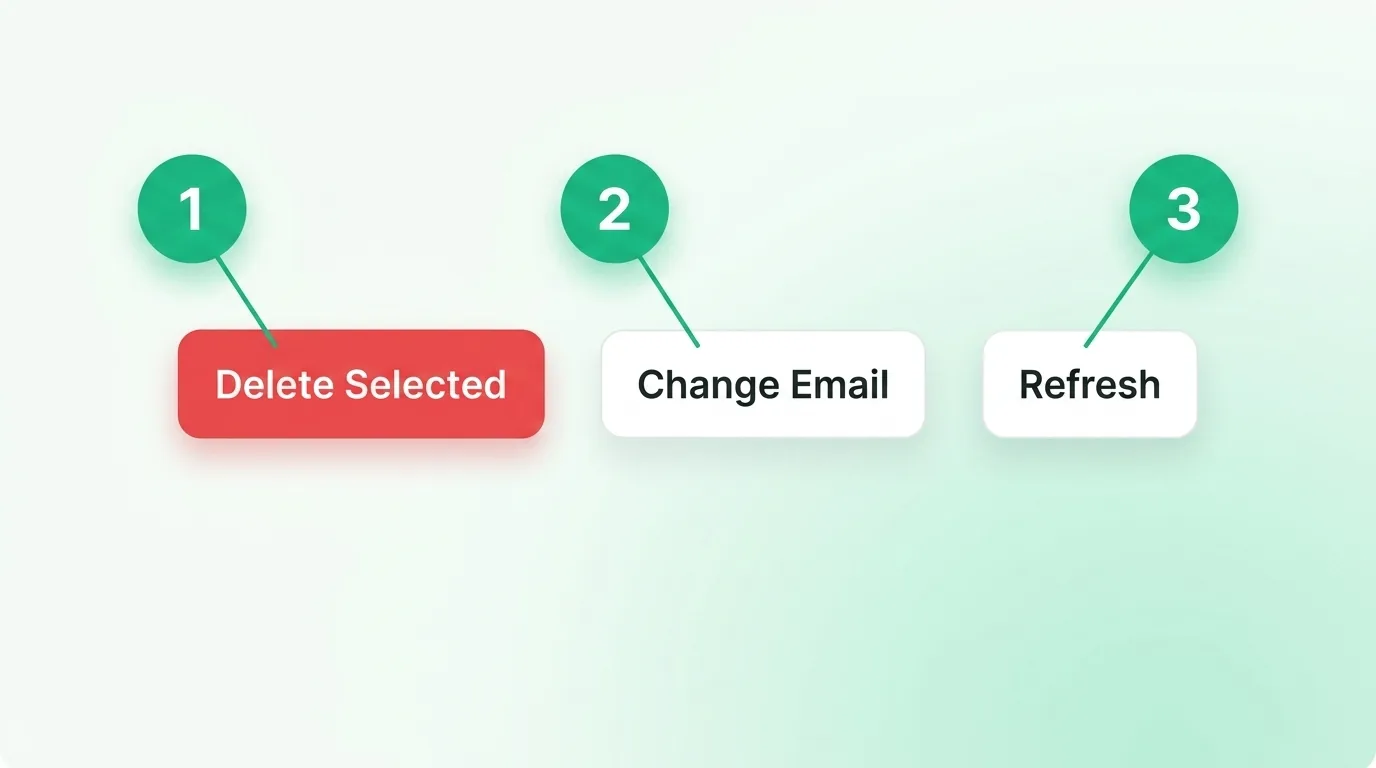
Refresh: check for new mail
The inbox checks for mail on its own, but Refresh checks right away. Tap it if you are waiting on a code and do not want to wait for the next auto-check. It is the button you will reach for most, since a quick tap often brings a code in a second or two. If you tap Refresh a few times and still see nothing, the sending site may be slow, so give it a minute before you worry.
Change Email: get a fresh address
Change Email swaps your address for a brand-new one. This is the button to use when a site rejects your address, since the new one may use a different domain. It is also handy when you want a clean start for a second sign-up and would rather not mix the two in one list. Keep in mind that the old address and its mail are dropped when you switch, so copy any code you still need first. Learn more about why some sites block temp email and how a fresh address gets around it.
Delete Selected: clear messages
Tick the box next to any messages, then tap Delete Selected to remove them. It keeps a busy inbox tidy when you are signing up for a few things at once. You do not have to use it, though, since everything clears on its own when the timer ends. Deleting a message here removes it for good, so only clear the ones you are truly done with. If you tick a message by mistake, just untick the box before you tap Delete, and it stays right where it is.
A quick cheat sheet
- Waiting on a code? Tap Refresh.
- Address got blocked? Tap Change Email for a new one.
- Inbox getting messy? Tick the extras and tap Delete Selected.
These three cover almost everything you will do with a throwaway inbox. For the rest of what the tool can do, browse all the tool features, and if a code never lands, see our troubleshooting guide.
Common questions
Does Change Email delete my old mail?
Yes. Switching gives you a clean, new address, and the old one is let go, so grab any code you need before you tap it.
Do I have to delete messages myself?
No. The whole inbox clears when the timer runs out. Delete Selected is just for tidying up sooner.
How often does Refresh check?
Every tap checks right then. The inbox also checks on its own every little while, so you can wait or tap, whichever you like.
Pick the button that fits your moment
Refresh to check now, Change Email when one address gets blocked, and Delete to tidy up. That is the whole toolbar, and once you know which button fits your moment, managing a temporary address takes only a second. There is nothing to learn beyond these three, and you will not break anything by tapping the wrong one. Ready to try it? Open a free temporary inbox and give the buttons a tap.