Why the account type is the whole question
A temp mail inbox has one big trait: it goes away. That is exactly what makes it handy for a quick sign-up you never plan to touch again. But that same trait turns into a trap when an account matters. If you ever need to log back in, reset a password, or prove the account is yours, the site emails you. When the inbox is gone, that email lands nowhere, and you are locked out.
So the smart rule is simple. Ask one question before you paste any address: will I need to get back into this later? If yes, use your real email. If no, a disposable address is a fine pick.
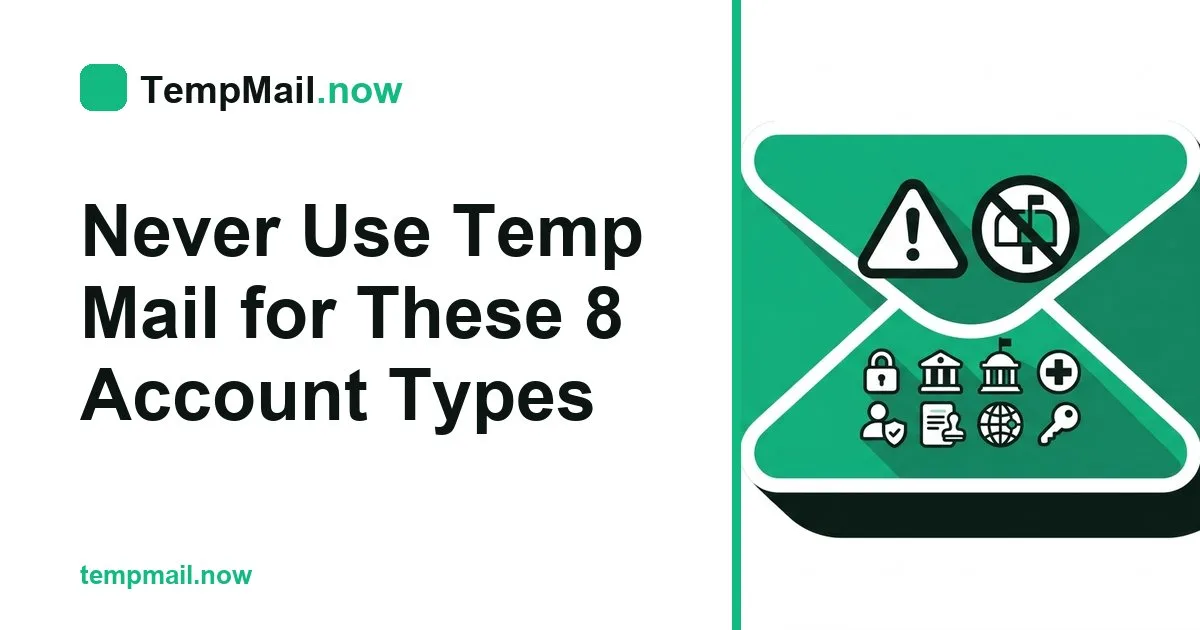
The eight account types to keep off a burner
Here are the accounts where a short-lived inbox will bite you. Each one shares the same theme: it holds money, your identity, or files you cannot lose.
| # | Account type | Why a burner fails here |
|---|---|---|
| 1 | Banks and payment apps | Login codes and alerts must reach you for years. |
| 2 | Government and tax portals | Ties to your legal identity and needs recovery. |
| 3 | Work or school email | Resets and notices go to that address every week. |
| 4 | Cloud storage and backups | Lose the inbox, risk losing access to your files. |
| 5 | Online shopping with saved cards | Order and refund updates need a live inbox. |
| 6 | Streaming you pay for | Billing and reset emails must keep arriving. |
| 7 | Social profiles you care about | Recovery after a hack depends on your email. |
| 8 | Health and insurance sites | Private records and claims tie to your identity. |
Notice the pattern. Every account on that list either pays out, holds ID, or stores things you want to keep. Those are the ones to guard, and none of them are a good match for temp mail.
The one thread that runs through all eight
Each of these accounts sends you email you will need again. A bank texts a code today and a fraud alert next month. A cloud drive emails a reset link the day you forget your password. If that mail has nowhere to go, the account may as well not be yours.
The recovery test
Try this quick check. Imagine you are locked out tomorrow. Would you tap "email me a reset link"? If the answer is yes, then a vanishing inbox is the wrong tool. A one-time address cannot catch a link that shows up after it has already cleared itself.
Where a short-lived inbox is the right call
None of this means the tool is bad. It is great for the huge pile of sign-ups that do not matter. Use it freely for these:
- A store that wants your email just to show a coupon.
- A one-time download or a free PDF behind a form.
- A forum you will read once and never return to.
- A trial you want to test before you trust it with real details.
For those, a burner inbox keeps your name off lists and stops the junk before it starts. If spam is your main worry, pair it with a few more ways to cut down on spam.
A simple two-inbox habit
The easiest fix is to run two inboxes on purpose. Your real one is for people and accounts you care about: money, work, family, and files. A throwaway one is for everything else. Split them this way and you get the best of both. Your main inbox stays quiet, and you still skip spam on the sign-ups that do not matter.
To make the throwaway side painless, you can open a free inbox in a second whenever a random site asks for an address.
Pick the right inbox for each of the eight
The list above is not about fear. It is about matching the tool to the job. A one-time address is perfect for one-time needs. The eight account types share a plain trait: you will need to reach them again someday. Keep those on a real email you control, send the throwaway stuff to a throwaway inbox, and you will never get locked out of the accounts that count. For a fuller look at where a burner fits and where it does not, our guide on whether temp mail is safe walks through it.