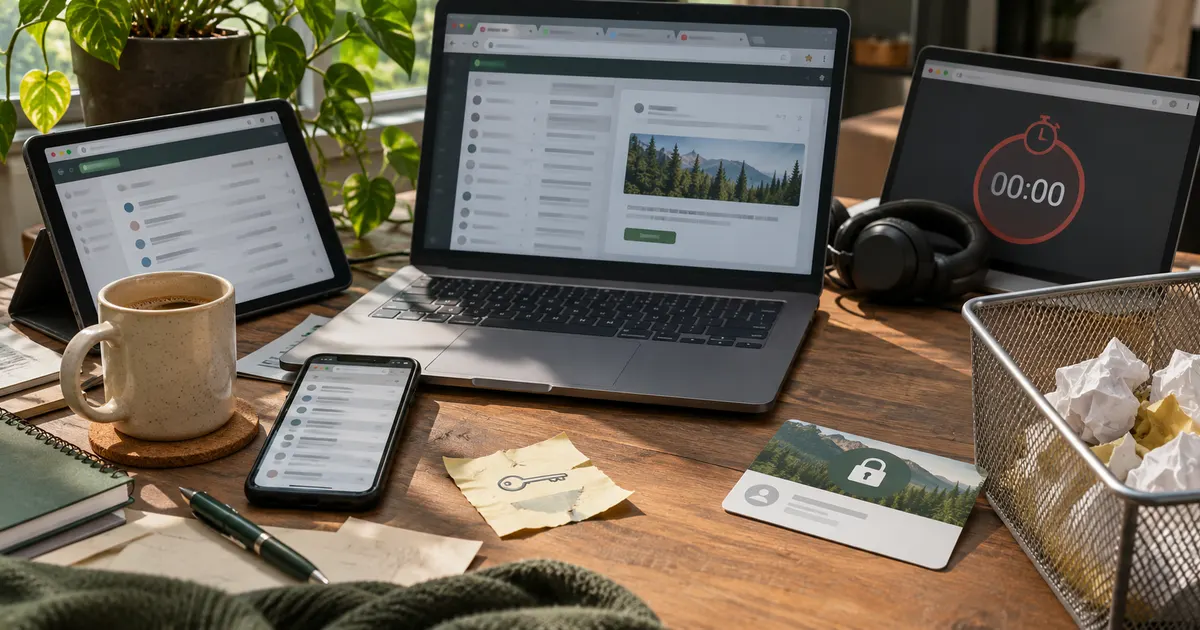
The one mistake behind most others
Nearly every slip with throwaway email comes from a single misread: treating a short-lived address like a permanent one. The tool is built to vanish. That is its whole point. When people forget that, they use it for things that need a lasting inbox, and trouble follows. Keep the "it disappears" fact front of mind and most mistakes never happen.
So the goal here is not fear. It is to help you use a disposable address the way it was meant to be used, so it stays quick and painless.
Mistake 1: using it for accounts you care about
This is the big one. Folks use throwaway email for a bank, a work login, or a social profile they love, then get locked out when the inbox clears and a reset link has nowhere to go. Save the throwaway inbox for sign-ups you will never log back into, and keep the important stuff on a real email.
The quick test
Before you paste any address, ask: "Will I need to get back in later?" If yes, use your real inbox. If no, a burner is fine. That one question stops the most painful mistake cold.
Mistake 2: picking a timer that is too short
Every throwaway inbox has a clock. Pick one that is too short and the confirm email can expire before you click it. Match the timer to how long you expect to take.
| Your pace | Good pick |
|---|---|
| One fast form | 10-minute inbox |
| Might step away | 30-minute inbox |
| Just grabbing a code | 5-minute inbox |
When in doubt, go longer. A little extra time on the clock costs you nothing.
Mistake 3: shutting the tab too soon
Many people submit a form and shut the inbox before the confirm email lands. Then the code shows up with no one home. The fix is easy: keep the inbox open until you see the account go live. It only takes a few extra seconds, and it saves a full redo. A good habit is to treat the inbox like a kettle you are watching. Do not walk off until it has done its one job, which is to catch that single email.
Two more small slips fit here. People forget to copy the address correctly, or they reuse an old one that already cleared. A stray space or a missing letter sends the whole thing to the wrong place, and a reused address may already be dead. Copy carefully, check it once, and grab a fresh inbox each time rather than reaching for a dead one.
Mistake 4: expecting total privacy from it
Throwaway email hides your real address, which is great. But it is not a cloak of invisibility. The site can still see what you type, and if it asks for your real name or phone, giving those cancels out the privacy. Use it where an email is all a site truly needs, and hold back the rest. For a fuller list of habits, our security tips and privacy guide go deeper.
Using a burner inbox the smart way
None of these mistakes are hard to dodge. Keep real accounts on a real inbox, pick a timer with room to spare, wait for the confirm email before you shut the tab, and remember the tool hides your address but not everything else. Do those four things and a burner inbox does exactly what you want: fast, clean sign-ups with your main mailbox left in peace. The theme running through all of it is simple. A short-lived address is a great tool for short-lived needs, and most trouble comes from asking it to do a long-lived job. Match it to the right task and it rarely lets you down. Ready to try it the right way? You can open a free inbox in a second.